


Send designs.
Stop walking.
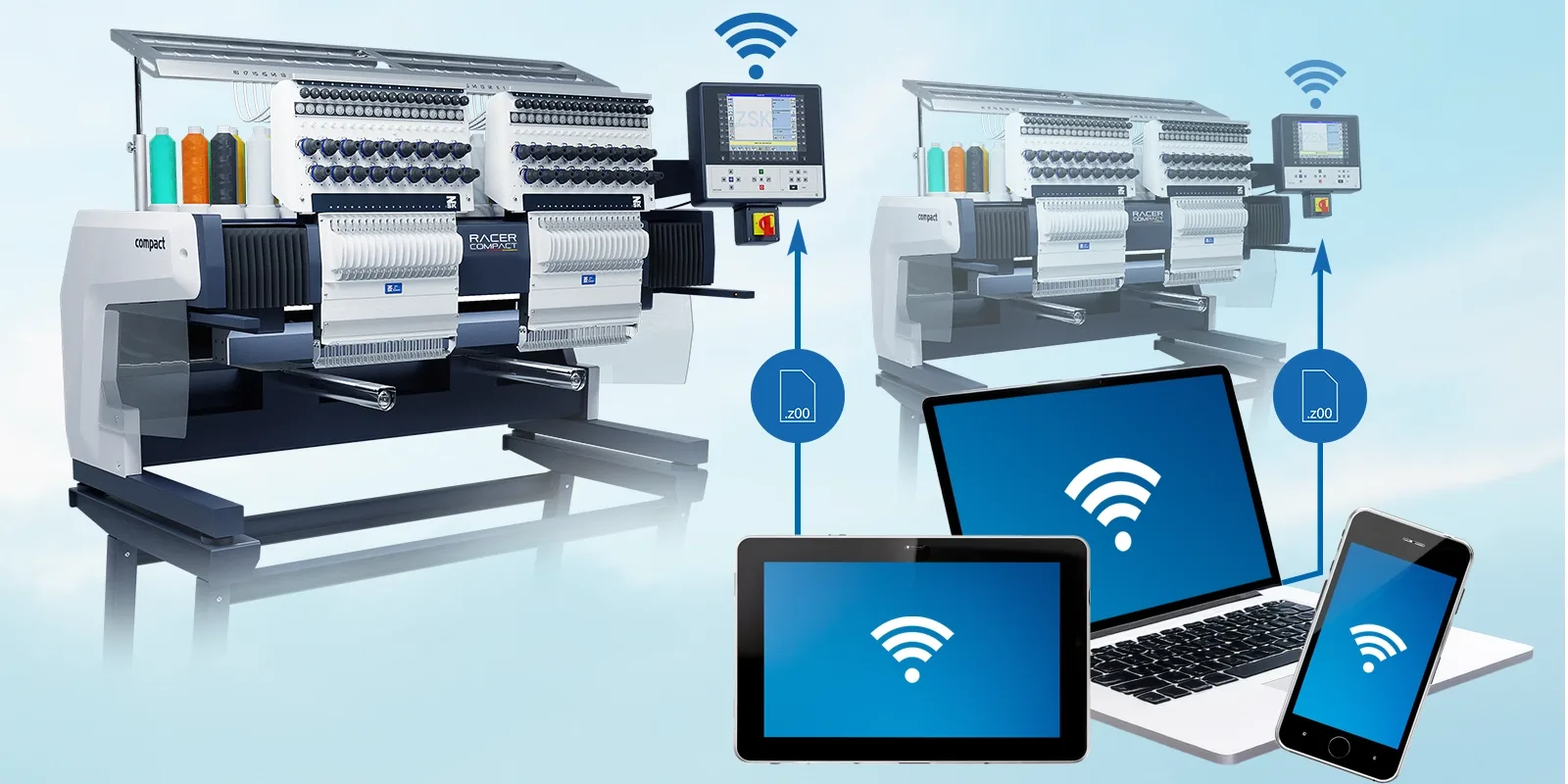
AirBroidery sends embroidery designs via Wi-Fi from your PC, tablet or smartphone straight to your ZSK – no USB stick, no software, no IT project.
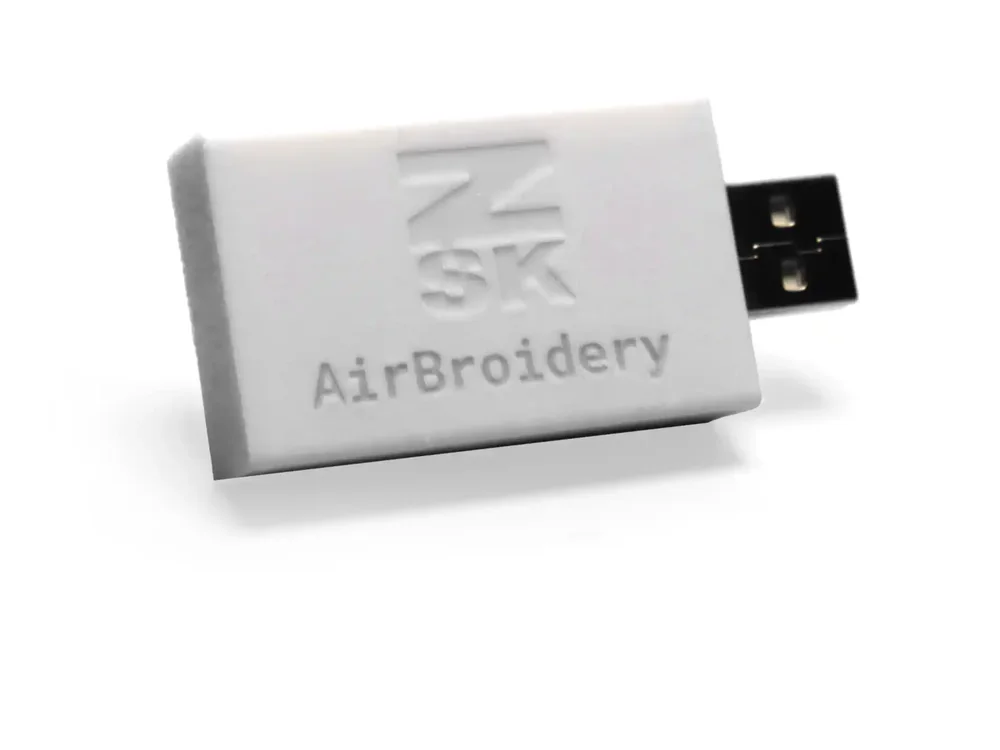
Small and robust
Built for continuous operation in production.
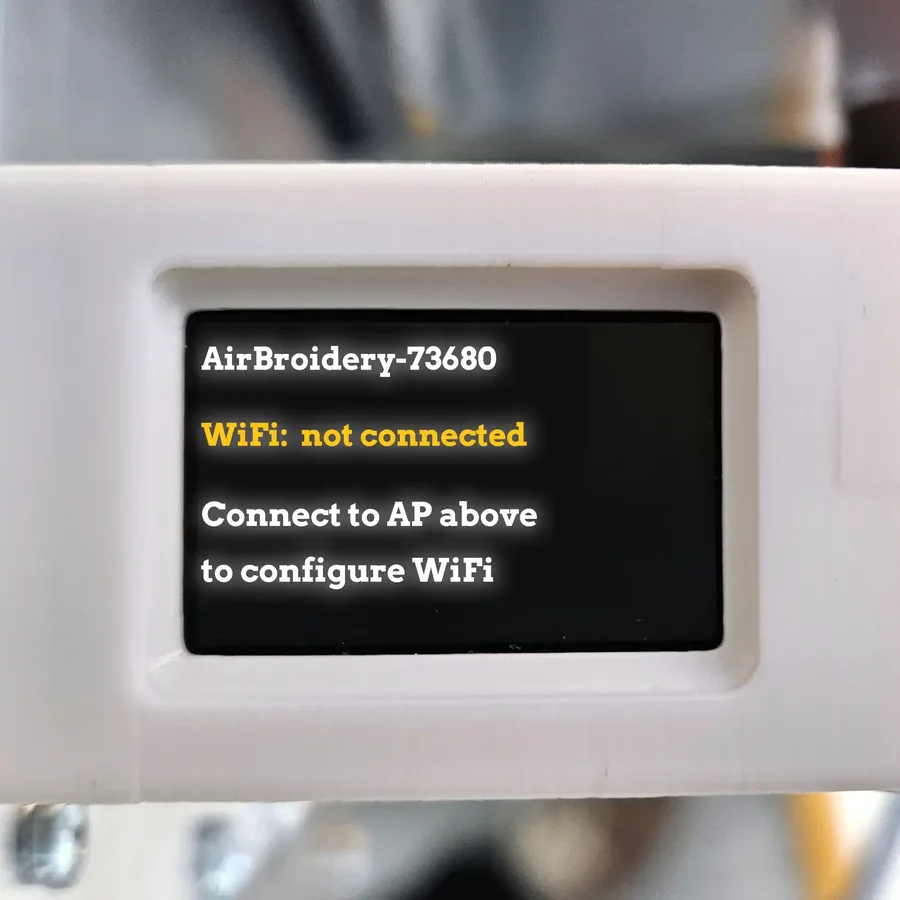
Status at a glance
The display shows network and connection right at the machine.
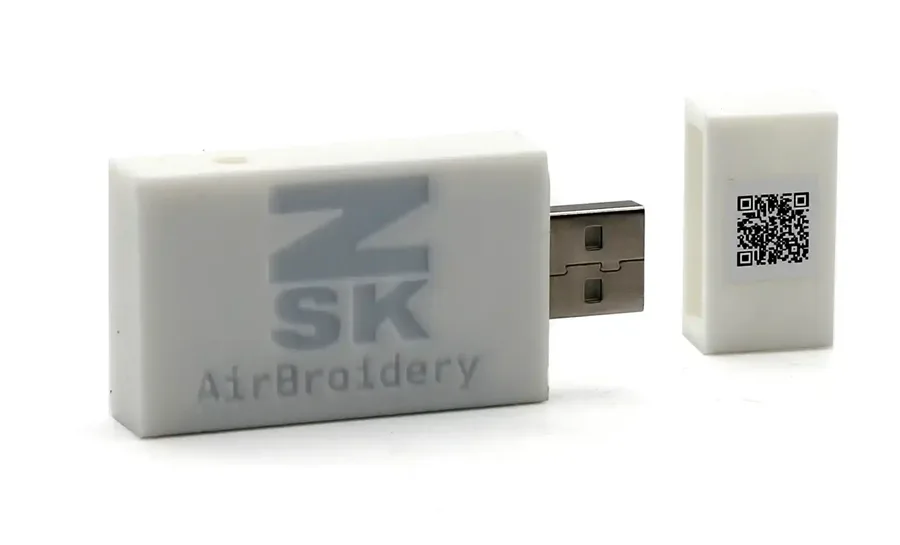
Scan the QR code
Scan it with your phone and you are connected to the stick.
Ten steps versus three.
This is what a single design change looks like. It happens every day, at every machine.
- PC: save design
- Find the stick
- Copy to stick
- Eject stick
- Walk to the machine
- Plug in stick
- Find the file
- Load design
- Walk back to the office
- Wrong version? Start over
Red: walking and sources of error.
- Open browser
- Drag in the design
- Select at the machine and stitch
No walking, no lost sticks, always the current version on the right machine.
What does the walk to the machine cost you?
Pick a business or enter your own figures:
Example: machines × changes × minutes × working days. One stick per machine. Price excl. VAT.
Plug in. Connect. Send.
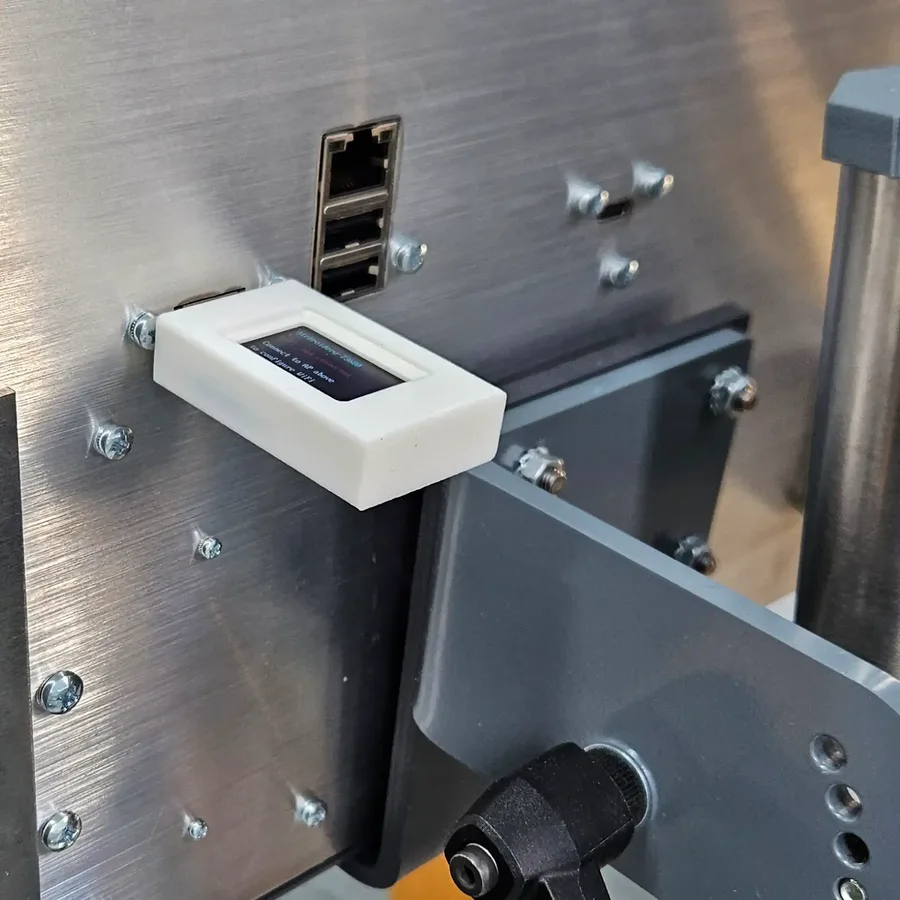
Plug in
Into the control’s USB port. The machine sees it as a USB stick.
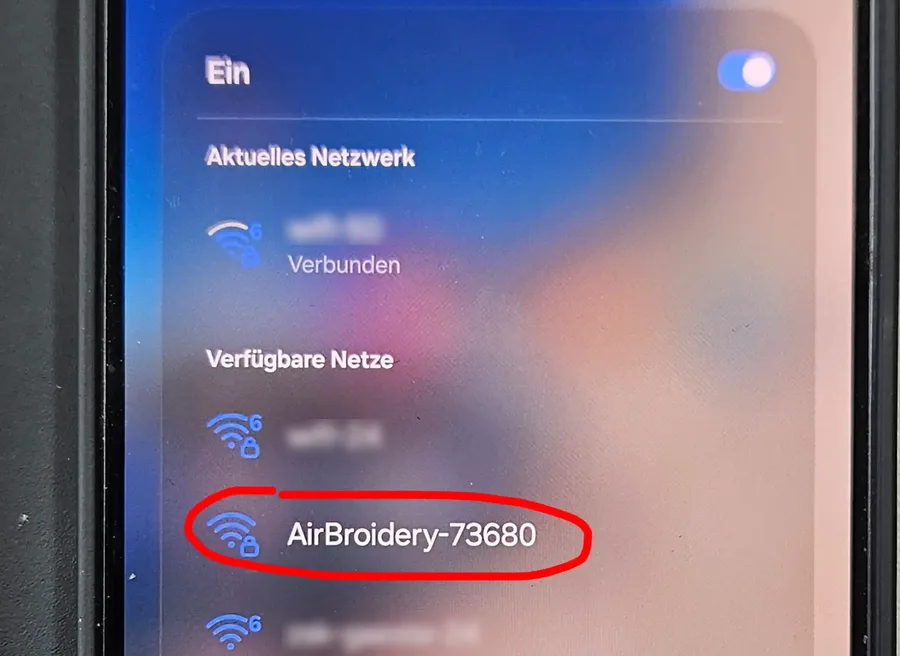
Connect
To the stick’s own Wi-Fi or to your company network.
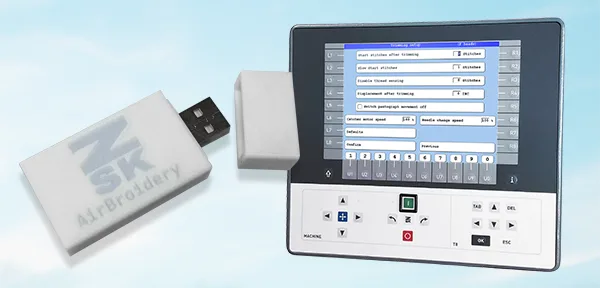
Send
Drag the design into the browser and select it at the machine.
Built for ZSK controls.
No drivers, no software
No firmware update, nothing to install on the PC.
Any browser
Windows, Mac, tablet or smartphone.
Own Wi-Fi or company network
Keeps running in standalone mode if the network fails.
Manage designs
Upload, organise and delete by drag and drop.
Always the right version
No more outdated files forgotten on a stick.
For continuous operation
Industrial grade, reliable, low heat.
For your older machines, too.
Floppy drive? No problem.
The ZSK USB floppy emulator gives your control a USB port. AirBroidery then works too – on machines dating back to the late 1980s.
Item no. 396041019 · Z-004-1268Floppy emulator in the shopWant a central design library?
WiFi Mapa distributes designs automatically to the assigned machines and makes them searchable by name, number or customer – from a tablet too.
Item no. 597919 · Z-010-0274WiFi Mapa in the shopDownloads: Data sheet (PDF) · Setup guide (PDF)
Quick answers.
Which ZSK machines does AirBroidery work with?
With all ZSK controls that have a USB port. The control recognises AirBroidery as a normal USB stick, so no firmware update is needed. Older machines with a floppy drive can be upgraded with the ZSK USB floppy emulator – then AirBroidery works on machines dating back to the late 1980s.
Do I need to install software?
No. AirBroidery has a built-in web interface. Open it in any browser – on Windows, Mac, tablet or smartphone – and drag your designs into it.
Do I need a company Wi-Fi?
No. AirBroidery can create its own Wi-Fi network or join your existing company network. If the company network fails, the stick switches to standalone mode automatically and stays reachable.
Do I need one stick per machine?
Yes. Each machine gets its own AirBroidery, so every design lands on exactly the machine it is meant for.
How much time does AirBroidery really save?
That depends on how often you change designs and how far the office is from the machine. ZSK assumes 3 to 5 minutes per USB trip. With eight design changes a day, that is around 130 hours per machine per year. Use the calculator on this page to enter your own figures.
How do I set up AirBroidery?
Plug in the stick, scan the QR code or select the “AirBroidery-…” Wi-Fi network, and open 192.168.4.1 in your browser. There you can connect the stick to your company network if you wish. The setup guide is available as a PDF download and is also stored on the stick.
One stick per machine. No more walking.
Order AirBroidery directly in the ZSK online shop. We are happy to answer questions about your machine park in person.
* Price as listed in the ZSK online shop, excl. VAT and shipping.