


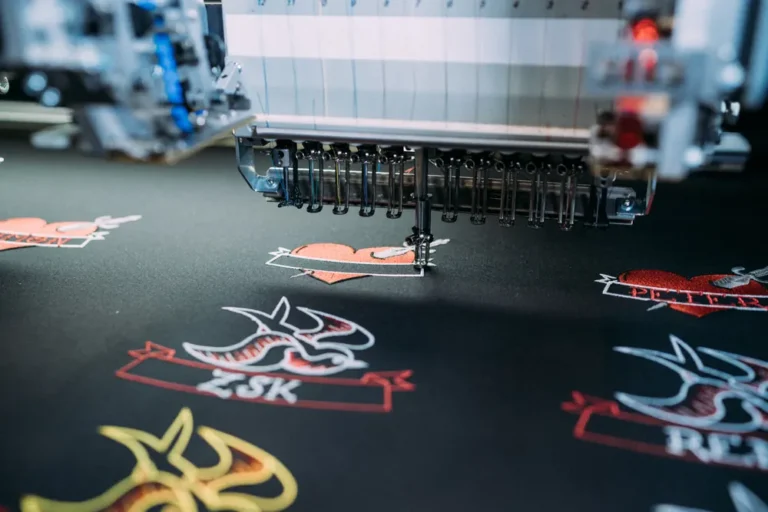
Automatic embroidery machine functions: head selection, bobbin changer, barcodes
Much production time is lost not while stitching but around it: changing bobbins, switching heads, loading files, tracing frames. ZSK machines take over these steps – from the design file, from a barcode scan or on their own.
What are automatic machine functions?
Automatic machine functions are features of the ZSK machine and its T8 control that run without operator intervention: head selection switches individual heads on and off from the design file, the bobbin changer replaces bobbins at set intervals, a barcode scan loads a complete job, and power failure backup lets embroidery continue in position after an outage. Together they keep multi-head machines stitching with fewer stops.
Which steps does the machine take over?
Six functions that remove stops and manual handling – most of them part of the machine and its T8 control.
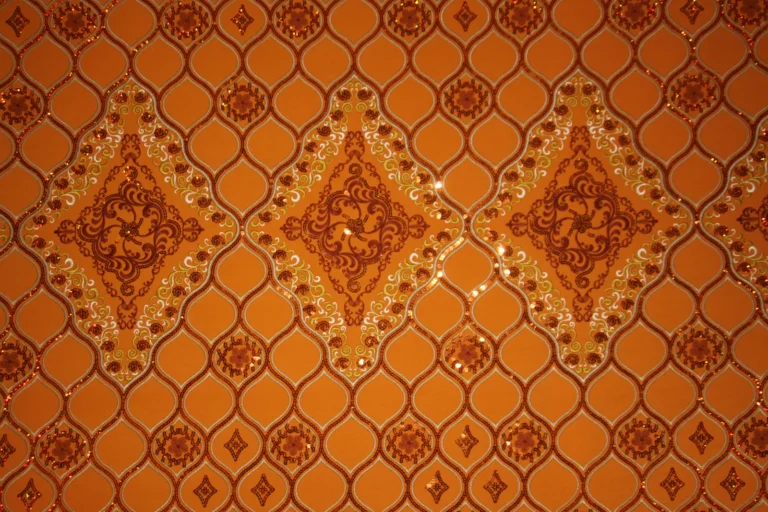
Switch individual heads on or off during embroidery – stored in the design, without stopping the machine. Head selection →
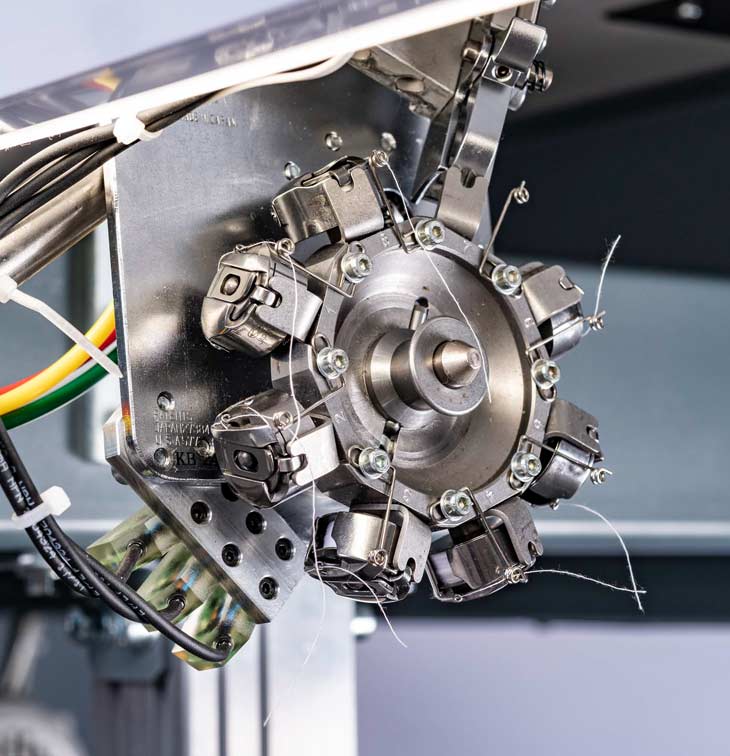
Bobbin changes in 20 seconds at all heads at once, e.g. every 30,000 stitches; 8-bobbin magazines are refilled while the machine runs. Bobbin changer →
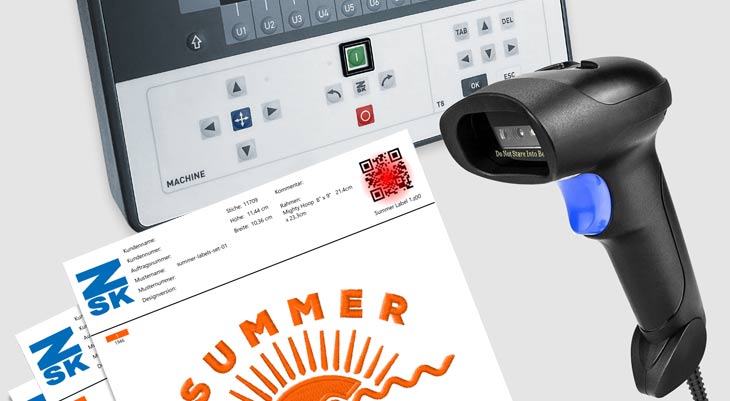
One scan loads the design from the network with start point, optimisations and rotation – and the frame with its field limits. How-to: barcode loading →
The machine saves the current pantograph position during a power failure. Embroidery continues afterwards without displacement.
Push: the next design enters the machine automatically when the previous one is finished. Pull: the operator scans a barcode. One PoolBox manages designs for up to 50 machines.
Rotate the design along two points on the T8 to match a garment that was not hooped perfectly straight – useful where placement must be precise.
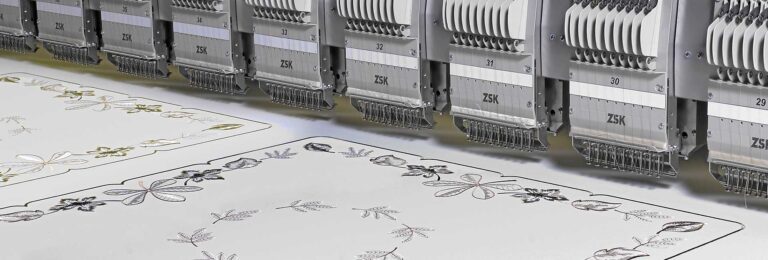
One design, many heads – each doing its own part.
With head selection, heads are switched on or off from the design file – automatically, without a machine stop. On large flatbeds each head can reach the field of its neighbour, so a sequin device on every second head covers the whole design and the colours available for one motif double. On the CHALLENGER, head selection makes motifs up to 9 m wide possible without changing frames.
Team names on a multi-head: with and without head selection
Example from the ZSK knowledge base: a logo on every garment, plus an individual name on each.
- Load the list of names with the logo in BasePac Quicktext
- The logo is embroidered on all heads at the same time
- Then each head works through its own names
- No machine stop, no manual switching of heads
- Step 1: logo embroidered with all heads switched on
- Step 2: machine stops – operator switches off all heads but head 1
- Step 3: first name embroidered on head 1
- Step 4: machine stops – operator switches off all heads but head 2
- … and so on for every head
Never run out of bobbin thread in the middle of a long run.
On long all-over runs, changing bobbins by hand stops the whole machine. The ZSK automatic bobbin changer replaces bobbins at a set interval at all heads at the same time, and magazines can be swapped while the machine keeps running. The Auto Select version knows the magazine position and assigns needle and bobbin automatically in the T8 – e.g. matching top and bobbin colours or thin and thick yarns.
- 20 seconds per bobbin change
- Magazine for 8 bobbins; spare magazines loaded during production
- For F-head and W-head
- Three versions: 1:1 changer, standard and Auto Select
- Works with compressed air – compressor not included
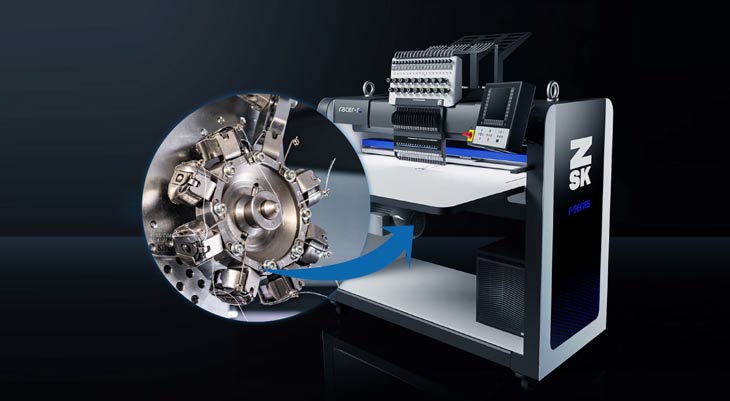
Scan the job sheet – the machine sets itself up.
Instead of walking with USB sticks, the operator scans the job sheet. Since 31 March 2025, entire workflows fit into one barcode: load the design from the network, set the start point, apply design optimisations and rotate. Import settings such as rotation for cap embroidery, and the frame with field limits and centre, can also be loaded by barcode – no more tracing, no needle breakage from frame contact. The T8-3 reads barcodes and QR codes and loads the next design while the current one is embroidering.
Job sheets, order intake and planning come from ZSK software – see Digital Factory.
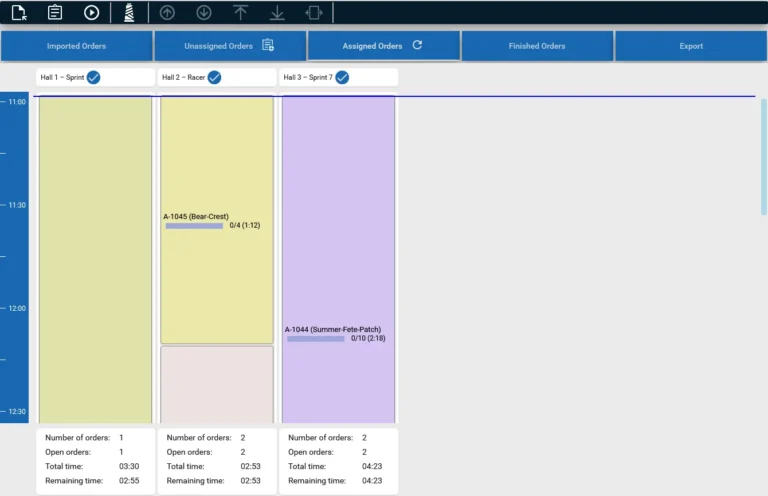
Production planning puts the right job on the right machine.
ZSK Production Planning assigns jobs automatically by order size, embroidery type (tubular, cap, border), number of heads and available thread colours, calculates production times and runs on a tablet at the machine. Orders are imported via Excel/CSV or JSON, so shops and ERP systems connect directly. More in ZSK TERMINAL and Digital Factory.
Small additions with a daily effect
Machine status visible at a glance, so support needs are spotted immediately. Signal lamps in the shop →
Factory-fitted laser for positioning and tracing – for SPRINT 9, SPRINT R9, RACER Compact models and RACER II 4S and 6S.
Colour and machine information stored in the design – no errors when loading. About .z00 →
EPS HoopStation templates get their own web link and can be triggered from ERP, order system or barcode workflow. EPS HoopStation →
Devices and know-how
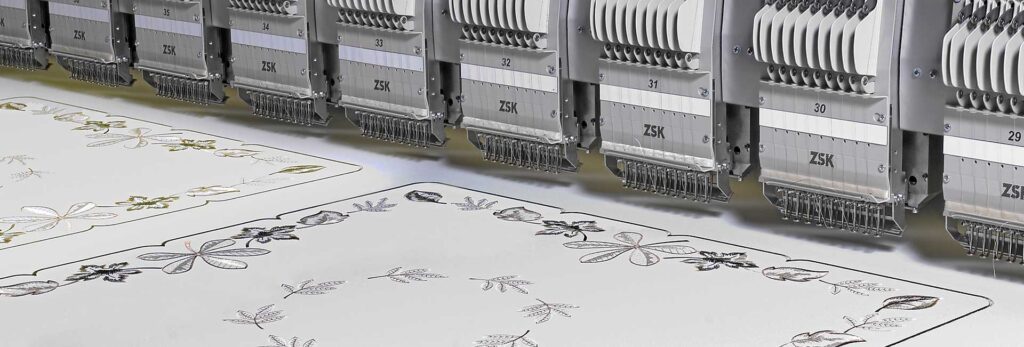
Fewer stops. Fewer walks. More stitching time.
Tell us where your machines stand still today – we show you which ZSK functions remove those stops and what your machines need for them.
Questions about automatic machine functions
Short answers for production managers and operators. Missing your question? Our engineers answer personally.
What is head selection on an embroidery machine?
Head selection lets individual embroidery heads of a multi-head machine be switched on or off during embroidery. On ZSK machines the switching can be stored in the design file, so it happens automatically, without a machine stop and without the operator. It is used for name lists, for doubling the colours available to one motif and for large designs in which each head reaches its neighbour's field.
Which ZSK machines have head selection?
The RACER series has automatic head selection – on RACER and RACER Compact as standard. Flatbed machines of the CHALLENGER and the X-, Y- and Z-series with D, T and Q drive use head selection too; on the CHALLENGER it allows motifs up to 9 m wide without changing frames. Ask us which version fits your machine configuration.
How does the automatic bobbin changer work?
The bobbin changer replaces the bobbin from a magazine for eight bobbins. A change takes 20 seconds and happens at all heads at the same time, triggered at an interval you set, for example every 30,000 stitches. Magazines can be changed while the machine is running. The Auto Select version knows the magazine position and assigns needle and bobbin automatically in the T8 control.
Which machines can use the automatic bobbin changer?
The automatic bobbin changer is designed for ZSK flatbed machines and works with F-heads and W-heads, also on technical embroidery machines. For the single-head RACER R1, ZSK offers a version with the Auto Select bobbin changer. The changer needs compressed air; a compressor is not included. Ask us about your specific machine.
What can I load with a barcode on a ZSK machine?
A barcode can load the design from the network together with its start point, stops and head selection, plus import settings such as rotation for cap embroidery and the frame with field limits and centre. Since 31 March 2025 an entire workflow fits into a single barcode. The T8-3 control reads barcodes and QR codes from a USB scanner.
What happens if the power fails during embroidery?
Servo-driven ZSK machines save the current pantograph position in case of a power failure. When power returns, embroidery continues exactly where it stopped, without displacement – so the piece does not have to be scrapped or re-aligned by hand. The T8-3 control lists power failure backup among its standard functions.
How much time does an automatic bobbin changer save?
It depends on run length and stitch type. In an example from the ZSK knowledge base, a YCF 4405 embroiders all-over in pull-through in two shifts; changing bobbins by hand costs about two hours of downtime per day. With the bobbin changer, net production time rises from 14 to 16 hours – in that example 504 hours per year and machine.
Technical data: automatic machine functions
| Function | What it does | Machines / requirements |
|---|---|---|
| Head selection | Heads on/off from the design file, without machine stop | RACER series (automatic), CHALLENGER, X-, Y-, Z-series with D, T, Q drive |
| Automatic bobbin changer (SKW; JSKW = jumbo) | 20 s per change at all heads; 8-bobbin magazine; interval e.g. 30,000 stitches; versions 1:1, standard, Auto Select | Flatbed machines with F- or W-head; RACER R1 with Auto Select; compressed air |
| Barcode / QR setup | Design, start point, stops, head selection, import settings, frame and rotation in one scan | T8 control with USB scanner and network; QR codes on T8-3 |
| Power failure backup | Saves pantograph position, continues without displacement | Servo-driven machines |
| Easy Align | Rotates the design along two points | Servo-driven machines |
| PoolBox | Design data management, data collector for MY.ZSK | Up to 50 machines per PoolBox, expandable |
Availability depends on machine model and control version. Data from the ZSK catalogue 06/2026, knowledge base 05/2026 and ZSK news. Subject to change.