

From online shop to embroidery machine – without retyping a single order
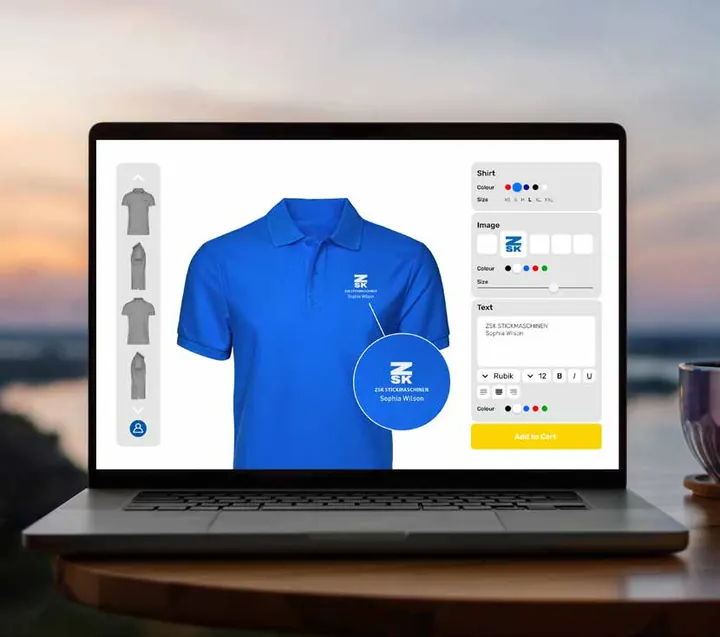
Your customer types a name or uploads a logo, sees the embroidery as a photorealistic preview and orders. The stitch file, the job plan and the machine set-up follow automatically – with the ZSK Web API, ZSK TERMINAL and MY.ZSK.
What is a shop-to-embroidery workflow?
A shop-to-embroidery workflow sends every personalised order from your online shop straight into embroidery production. The ZSK Web API turns text or a logo into a stitch file with a photorealistic preview, ZSK production planning schedules the job, a network push or barcode scan loads it on the machine and MY.ZSK reports back. The goal: lot size 1 follows the same cost logic as lot size 100.
What happens to an order after the click?
Every manual step costs margin – especially in lot size 1. This is the ZSK chain from click to finished piece.
- 01 ORDER
Customer personalises the product and sees a TrueView preview
- 02 WEB API
Shop sends text, font or image as a JSON request – cloud or on-premise
- 03 STITCH FILE
Monograms are created instantly, ACE converts logos automatically
- 04 PLAN
Production planning assigns machine, frame and thread colours
- 05 STITCH
Network push or barcode scan starts the job on the SPRINT or RACER
- 06 ANALYSE
MY.ZSK shows status, stitches and thread breaks live
What can your customers personalise in the shop?
Three building blocks cover most orders – and each one produces a ready stitch file, not just a picture.
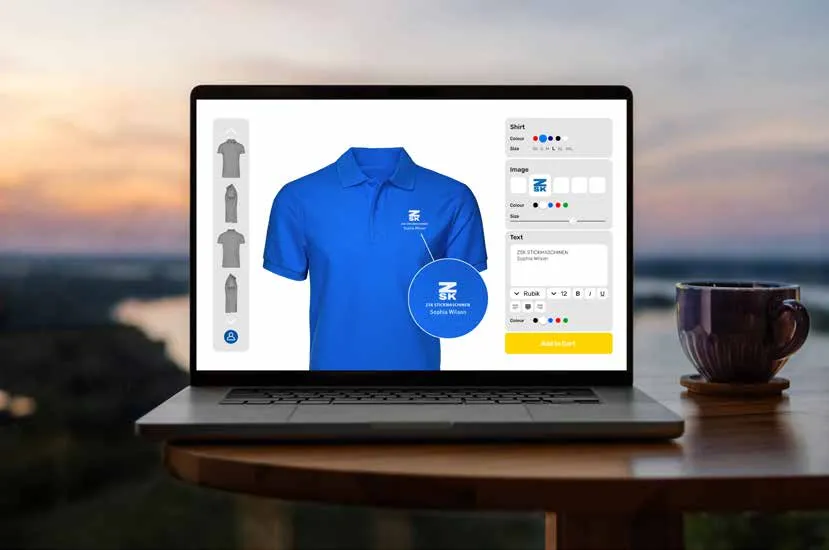
Up to nine monograms per design, fonts, alignment, line spacing, rotation and curved text from concave to convex – in quality levels from entry to premium.
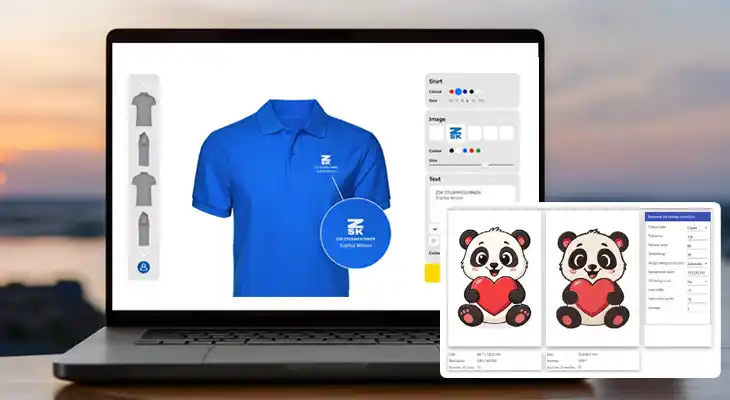
PNG, JPG, BMP, SVG or AI in – stitch file and preview out. ACE reduces colours, detects the background and scales the design.
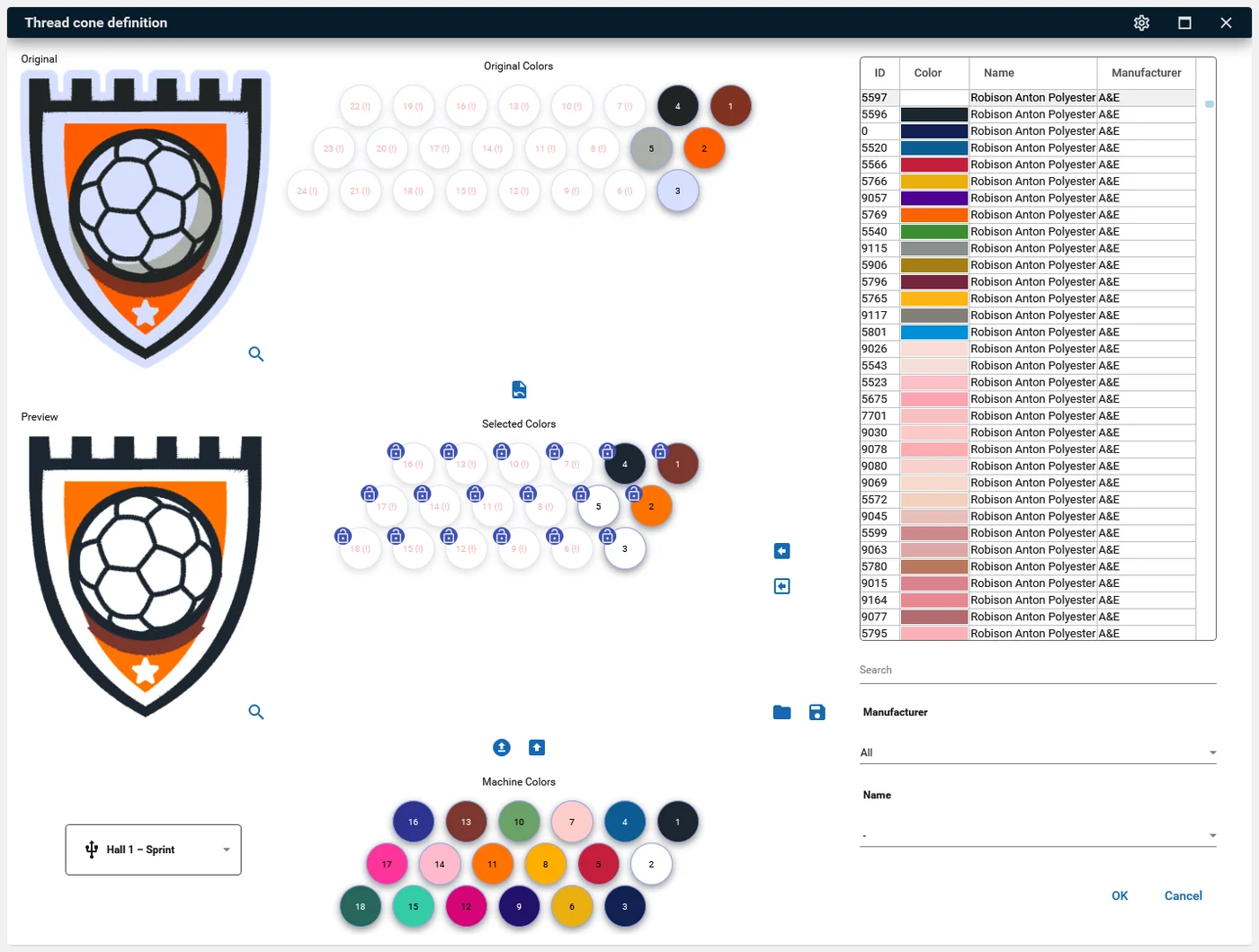
Thread colours by manufacturer, series and colour number. In production, thread cone matching maps them to the needles already threaded.
Which shop systems can you connect?
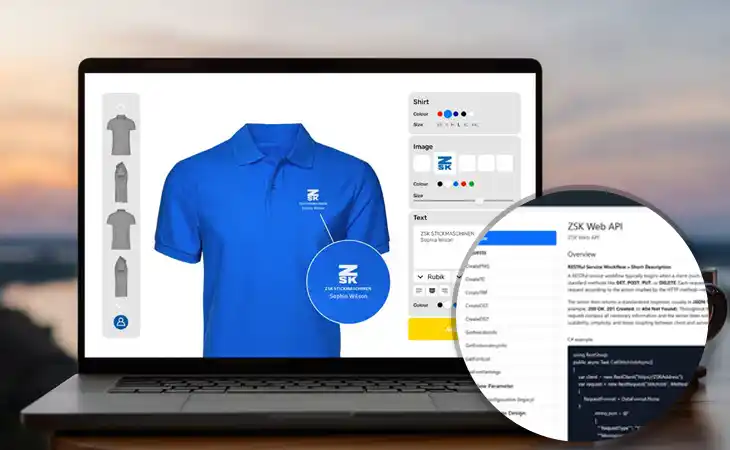
The ZSK Web API speaks plain HTTP and JSON – the language every modern shop already speaks. Developers find the documentation with code examples at embroidery-api.com and can test requests in the browser with the Web API Client. According to ZSK, integration often takes only a few days.
- Shopify, WooCommerce, Magento and custom-built shops
- Product configurators and ordering portals for corporate wear
- ERP systems that pass on order, garment type, placement and quantity
- Information endpoints for font lists, embroidery parameters and design dimensions
Who is a shop-to-embroidery workflow for?
Four segments share the same pattern: many variants, small quantities, short delivery times. The ZSK catalogue suggests these set-ups.
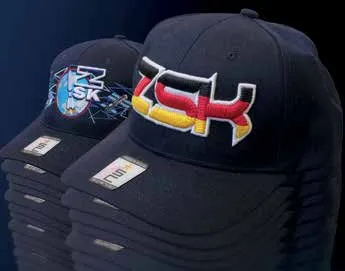
RACER + Web API + Autopunch + MY.ZSK: real-time preview and automated production.
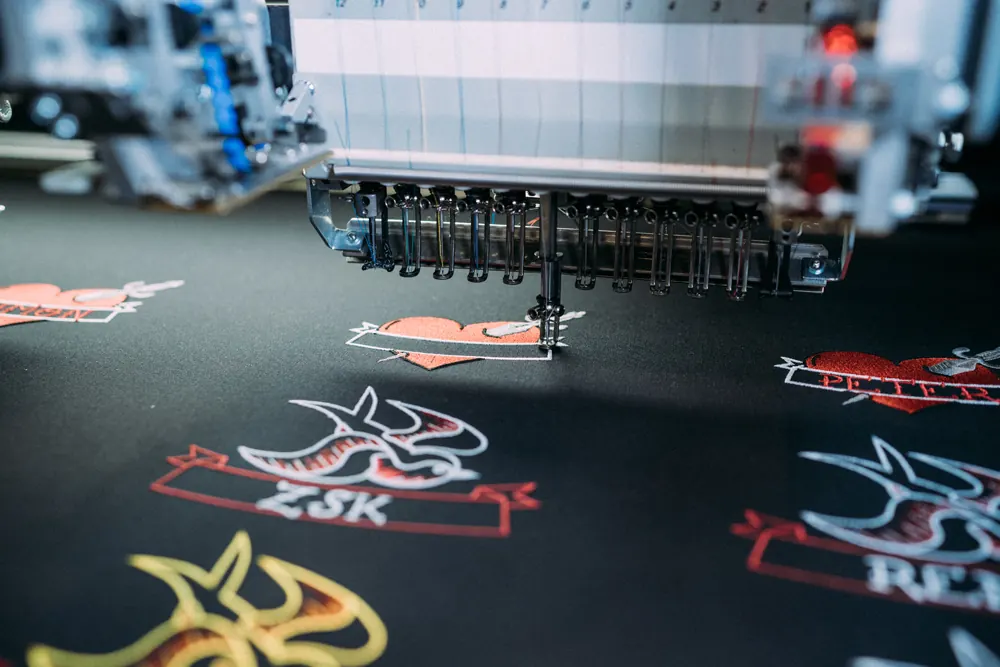
RACER II + barcode workflow + head selection: company logos in different sizes and positions.
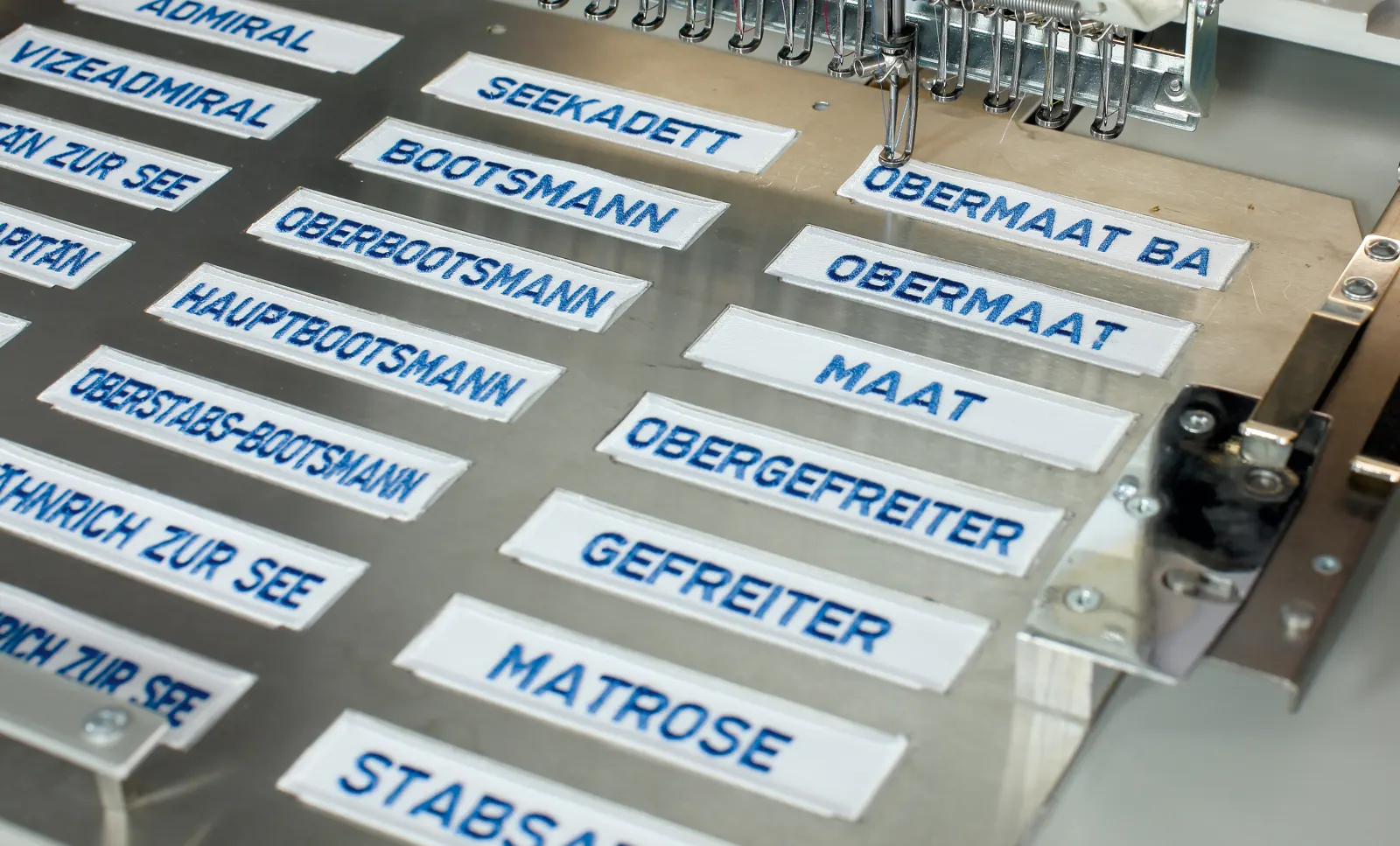
SPRINT + team name function + fast colour change: whole teams as a series, at short notice.
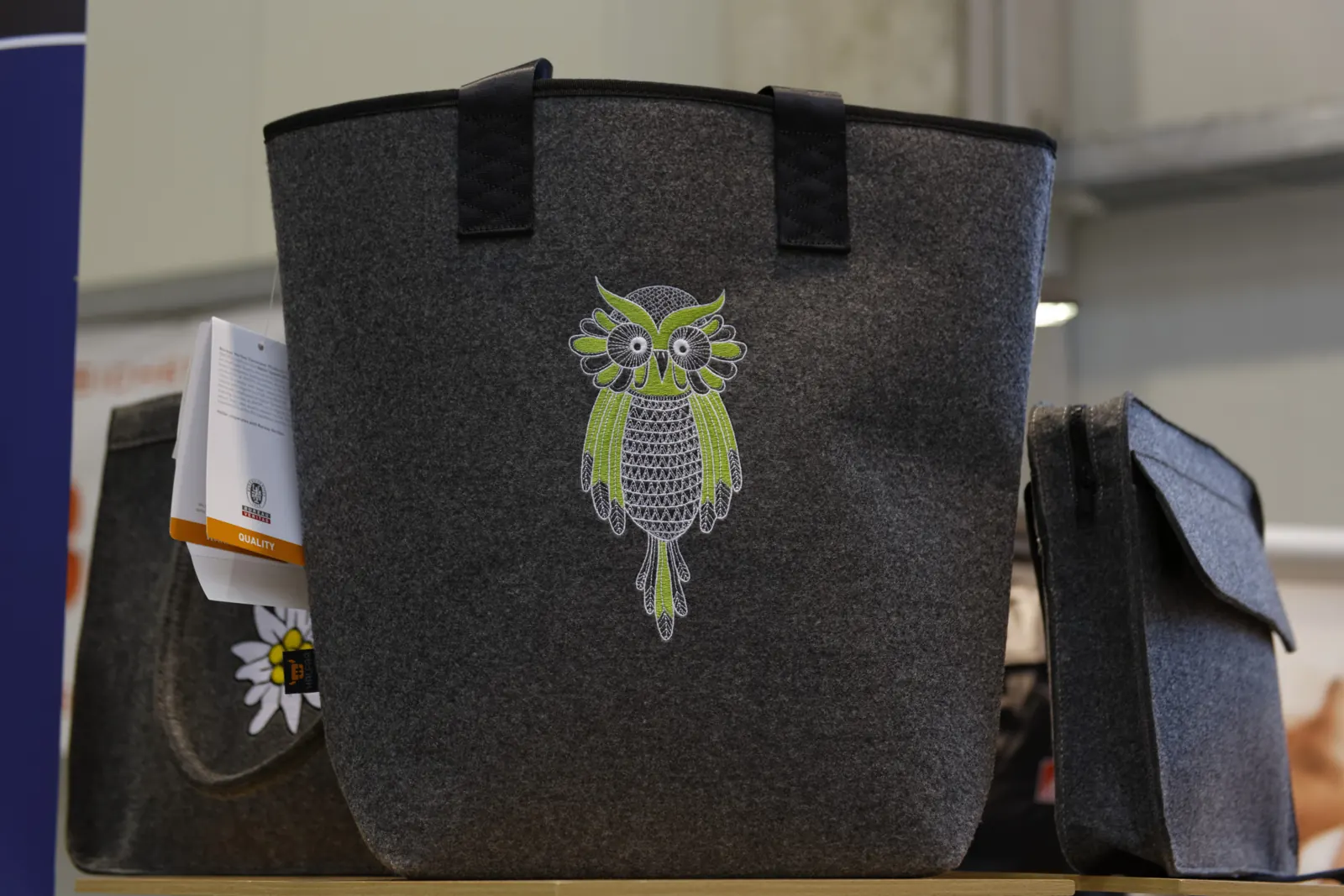
SPRINT + ZSK TERMINAL + Web API: corporate embroidery for events and staff outfitting.
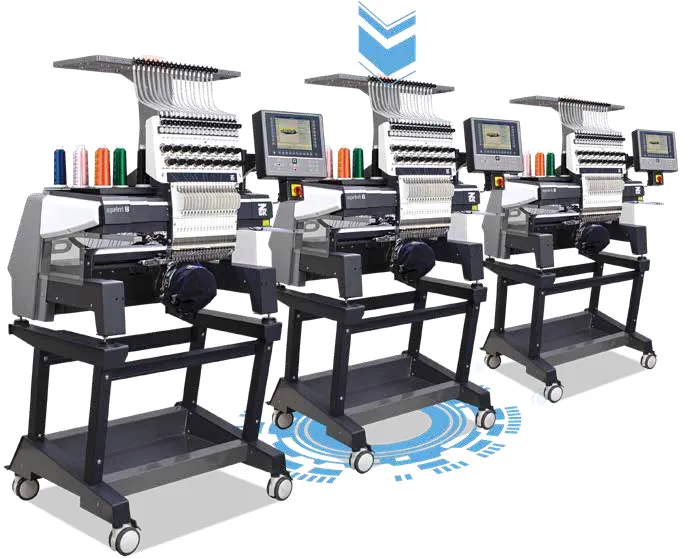
Start with one SPRINT, grow without switching systems.
All ZSK machines share the same network, software and data. Start with a SPRINT 9 or SPRINT 9 MAX, add the faster SPRINT R9, then a RACER Compact TWIN or a multi-head RACER – networking needs no extra licence. Where staff becomes the limit, Roll2Roll, Roll2Cut and robot solutions load and unload up to six machines at once.
The software behind this workflow
Your shop. Our interface. Your first personalised order.
Tell us which shop system you use – our software team shows you the integration and the full workflow live in Krefeld or online.
Questions about connecting your shop
Short answers for shop owners, developers and embroidery managers.
How do I connect my online shop to an embroidery machine?
With the ZSK Web API, a REST interface that exchanges JSON over standard HTTP. Your shop sends text, font or a logo; the API returns a photorealistic TrueView preview for the customer and a production-ready stitch file. The order then goes into ZSK production planning and is loaded on the machine by network push or barcode scan, so nobody has to retype it.
Which shop systems work with the ZSK Web API?
The Web API is built on standard web technologies and works with all major programming languages and shop platforms, including Shopify, WooCommerce and Magento, as well as custom product configurators and ERP systems. Information endpoints deliver font lists, embroidery parameters and design dimensions, so developers can build their own configurator. Documentation with code examples is available at embroidery-api.com.
Can customers upload their own logo?
Yes. ACE (Automated Computed Embroidery), also called Autopunch, converts pixel images (PNG, JPG, BMP) and vectors (SVG, AI) into stitch files: it reduces colours, detects the background, scales the design and creates a PNG preview for approval. ZSK recommends PNG for best results. Complex logos are better digitized once in BasePac or EPCwin and then reused for every order.
Cloud or on-premise – which should I choose?
Both deployment models offer the same functions. The cloud version is hosted by ZSK: quick to set up, with operation, maintenance and scaling handled for you. The on-premise version runs on your own servers, keeps all data in your network and suits strict compliance or data-protection requirements. Our software team helps you decide.
What can customers personalise through the Web API?
Names, text and monograms – up to nine monograms per design – with a choice of fonts, text alignment, line spacing, position, rotation and text curvature from concave to convex. Thread colours are chosen by manufacturer, series and colour number, and the embroidery quality (density) can be set from entry level to premium. The result is returned as DST, DSZ, TBF or TC plus a PNG preview.
Which ZSK machine should I start with?
Most shops start with a SPRINT 9 (18 needles, 500 × 360 mm field) or a SPRINT 9 MAX with 24 colours permanently threaded for many different designs; the SPRINT R9 reaches up to 1,700 rpm. Every SPRINT is network-ready without extra licences, so you can add machines, a RACER Compact TWIN or a multi-head RACER later without changing software.
Technical data: ZSK Web API at a glance
| Feature | Value |
|---|---|
| Interface | REST, JSON over HTTP, stateless – every request carries all data incl. licence |
| Stitch file output | DST, DSZ, TBF, TC |
| Preview | PNG, ZSK TrueView in selectable resolution |
| Lettering | Up to 9 monograms per design; font, alignment, position, line spacing, arched text (concave to convex), rotation |
| Quality | Density levels from entry level to premium |
| Thread colours | By manufacturer, series and colour number |
| ACE image input | PNG, JPG, BMP; vectors SVG, AI; pre-check with OptimizePng |
| Order import | Production Board import via Excel or JSON |
| Deployment | Cloud (hosted by ZSK) or on-premise, same functions |
| Documentation · test client | embroidery-api.com · tools.embroidery-api.com |
Licence scope and terms on request. Subject to change.