

Embroidery on demand with the SPRINT
Sell first, stitch second: shop orders go straight to the machine – lot size 1, no stock.
What is embroidery on demand?
Embroidery on demand works like print on demand: the customer orders a personalised product first, then it is embroidered – one piece at a time, without stock. ZSK supplies the complete system from one source: Web API, Autopunch, ZSK Terminal, MY.ZSK and the SPRINT.
From order to stitch in six steps.
No manual order entry, no media breaks – what remains is pure embroidery time.
- 01 ORDER
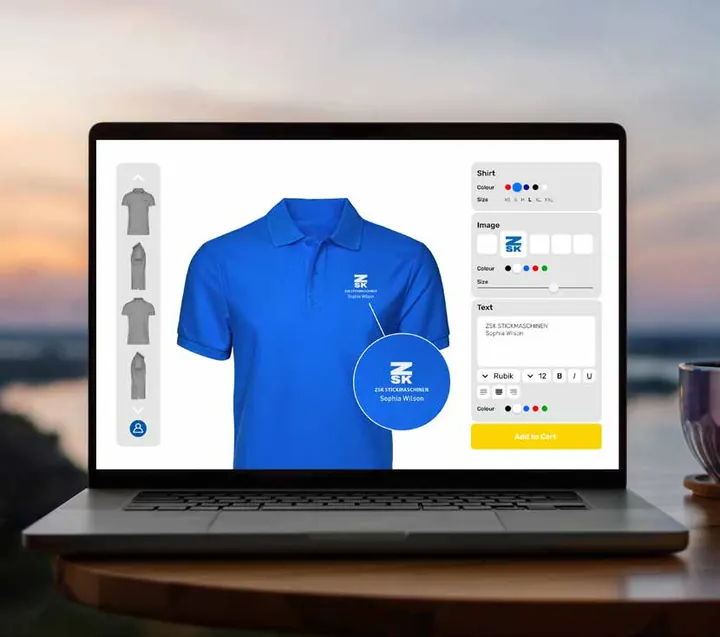
The customer personalises the product and sees a photorealistic TrueView preview.
- 02 WEB API
The shop sends text, font or image via REST – cloud or on-premise.
- 03 STITCH FILE
Autopunch converts images automatically; monograms are created instantly.
- 04 PLAN
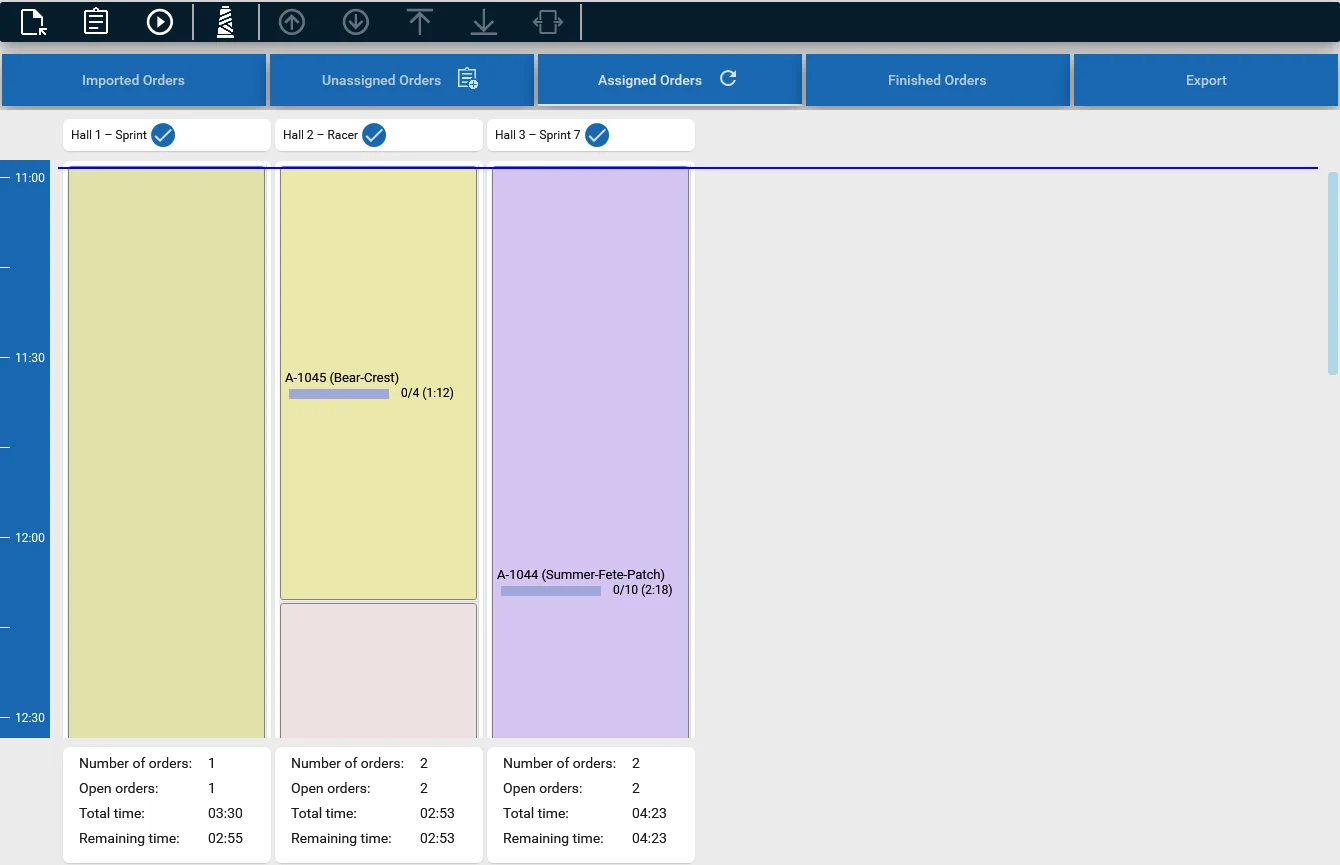
ZSK Terminal assigns machine, frame and colours.
- 05 STITCH
Network push or barcode scan starts the job on the SPRINT.
- 06 ANALYSE
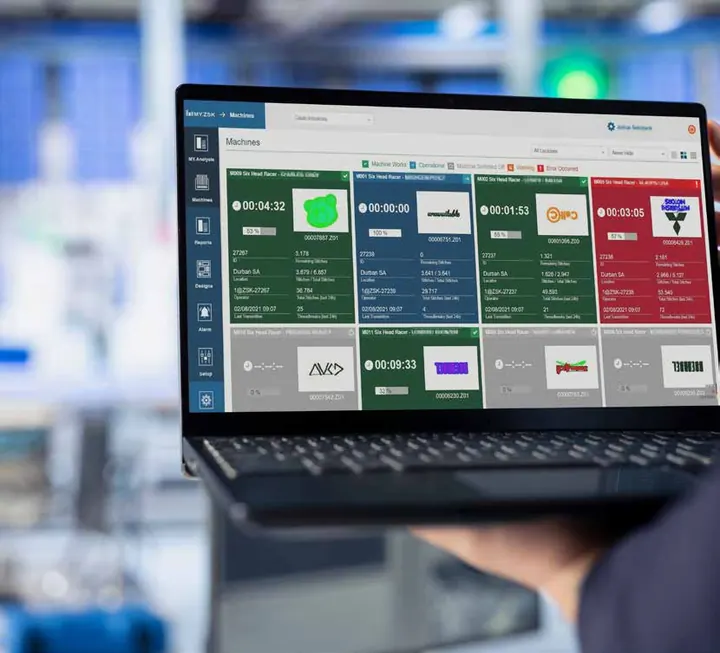
Live dashboard and thread break analysis with MY.ZSK.
Same business model. Higher-value product.
You already print on demand? Embroidery adds texture, value and durability – and supports a higher price per piece. More at embroidery-on-demand.com →
| Print on Demand | Embroidery on Demand | |
|---|---|---|
| Business model | Sell first, produce second | Identical |
| Look & feel | Flat, in the fabric surface | Three-dimensional, tactile |
| Durability | Can fade or crack | Colour-fast, outlasts the garment |
| Perceived value | Promotional, everyday | Premium, corporate, gift-worthy |
| Substrates | Mostly flat cotton | Caps, hoodies, jackets, bags, towels, leather |
Software, machine and cloud from one source.
Start small. Grow without switching systems.
All ZSK machines share the same network, software and data – from the first SPRINT to the multi-head RACER.
- 01 START
- 02 GROW
- 03 SCALE
- 04 AUTOMATE
Questions about embroidery on demand
From shop connection to the first stitch – the essentials.
What is embroidery on demand?
Embroidery on demand is the embroidered counterpart of print on demand: products are personalised and sold online first and embroidered only after the order arrives, one piece at a time and without stock. The result is three-dimensional, colour-fast and higher in perceived value than a print, on caps, hoodies, jackets, bags, towels or leather.
Which shop systems can I connect?
The ZSK Web API is a REST interface based on standard web technologies. It works with all major programming languages and shop platforms, including Shopify, WooCommerce, Magento and custom-built configurators or ERP systems. Your shop sends text, font or image; the API returns a TrueView preview and a production-ready stitch file.
Do I need a digitizer for every order?
Not for standard jobs. Names and monograms are generated automatically, and Autopunch converts images into stitch files with a PNG preview for instant customer approval. Complex logos are digitised once with BasePac or EPCwin and can then be reused for as many orders as needed.
Cloud or on-premise – what is the difference?
The ZSK Web API comes in two deployment models. The cloud version is hosted by ZSK: fast to set up and with no maintenance on your side. The on-premise version runs on your own servers: full control and no external data transfer, which suits sensitive data and strict compliance requirements.
Which SPRINT suits embroidery on demand?
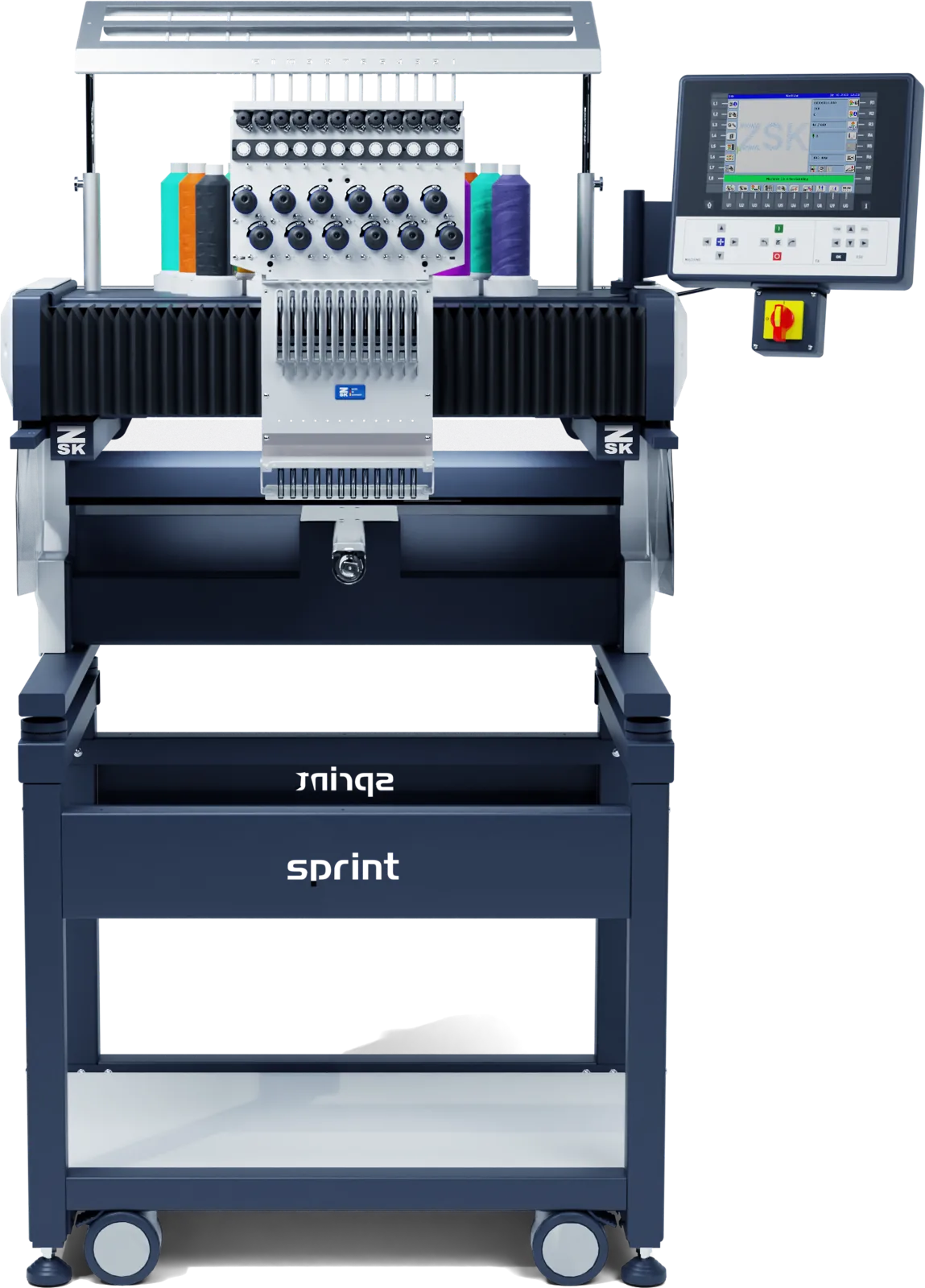
Most shops start with a SPRINT 9 (18 needles, 500 × 360 mm) or, for many different designs, the SPRINT 9 MAX with 24 colours permanently threaded. The SPRINT R9 adds speed with up to 1,700 rpm. Every SPRINT is network-ready without extra licences, so more machines or a multi-head RACER can be added later.
How do I keep track of production?
With MY.ZSK. It shows the status, stitch counts and efficiency of all machines live on any device, analyses productivity by shift and thread breaks by design, machine, head and needle, and sends alerts for events you define. The MY.ZSK API lets you feed the data into your own dashboards.
Bring your shop – we stitch the first order.
See the full workflow live in Krefeld or online.