


Auto digitizing: from image to stitch file – automatically
Logos, photos, vector graphics and lettering become production-ready embroidery files in seconds – in your shop, on your desktop or in the browser. You keep the digitizer for the designs that really need one.
What does auto digitizing do?
Auto digitizing converts an image, a vector graphic or text into a production-ready embroidery file without manual punching. ZSK offers it in four places: ACE in the Web API for shops, BasePac ACE for in-house digitizing, PhotoStitch in ZSK TERMINAL for photos and Nodety for SVG files and parametric design variants. The output goes straight to the ZSK machine as .z00 or DST.
Which auto-digitizing tool fits your job?
Where does the image come from – a customer in your shop, your designer or a photo? That decides the tool.
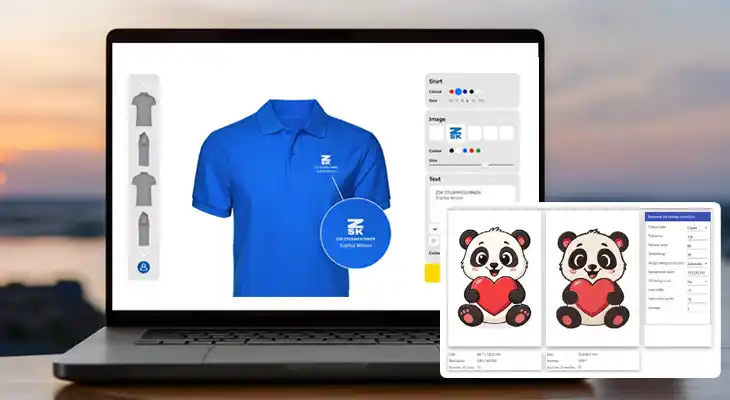
Upload a logo – ACE reduces colours, detects the background, scales and returns stitch file plus preview. Cloud or on-premise. API solutions →
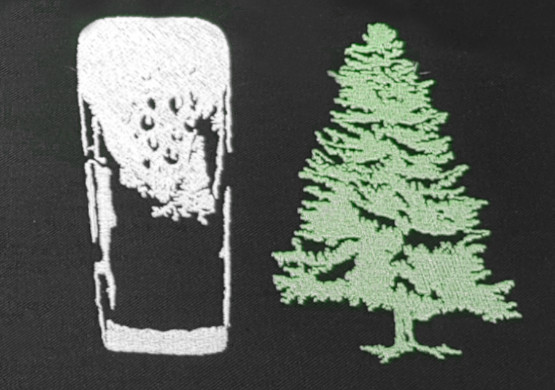
From BasePac Premium: image to vector to stitch file, DXF export, Wizard and Pipette tools, parameters from the material library. BasePac ACE →
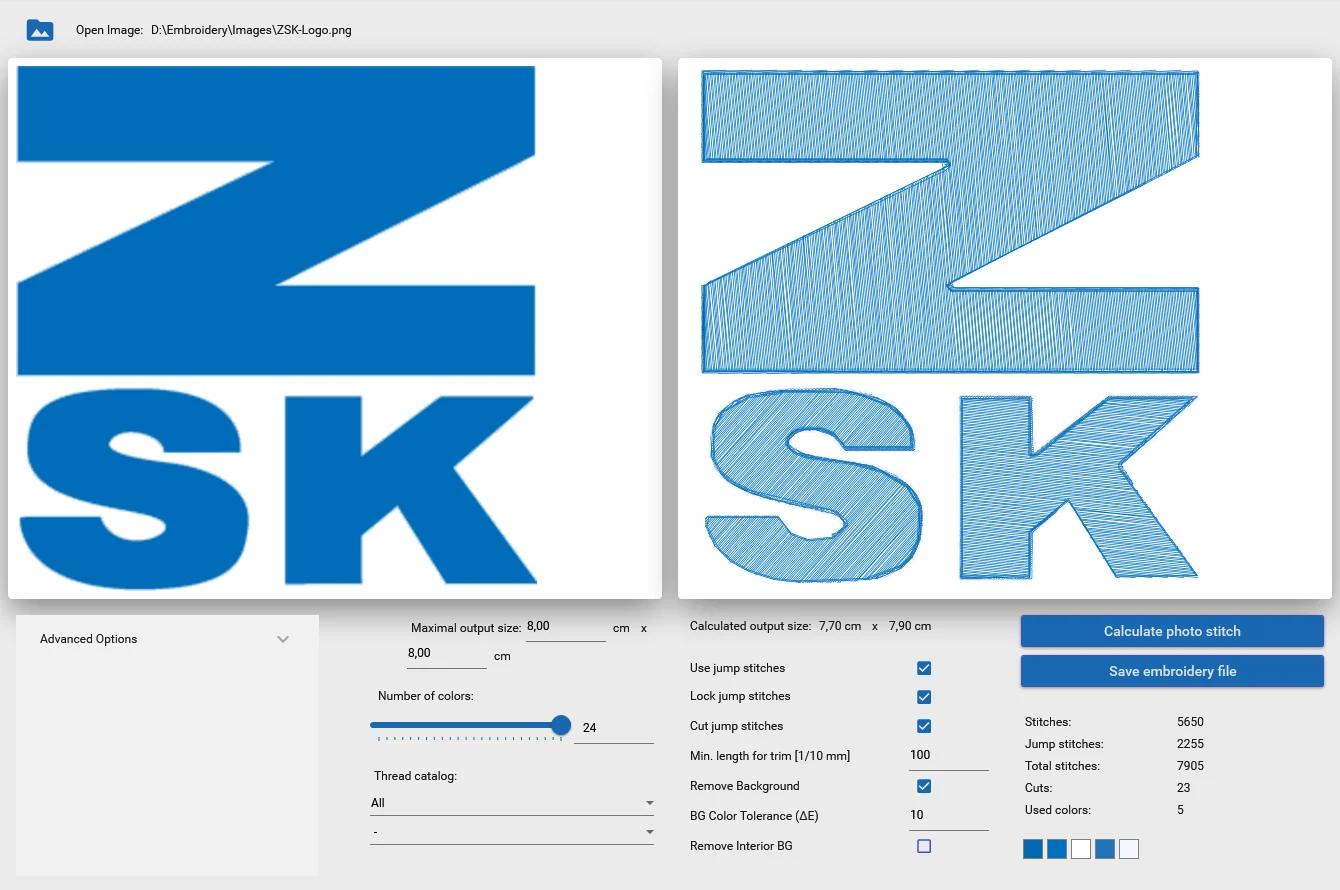
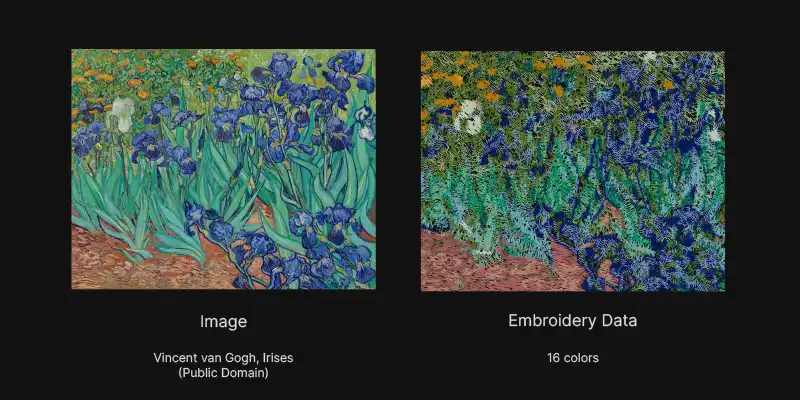
Photos become designs with up to 24 colours and clean outlines – for clubs, promotional products and end customers. Works best with cropped objects. ZSK TERMINAL →
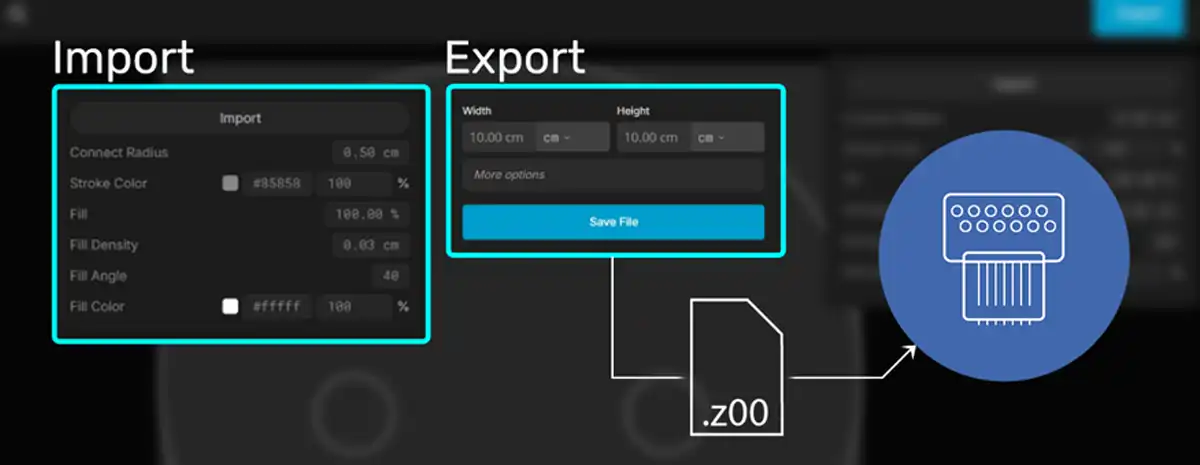
SVG to .z00 in seconds; text, images and 3D as parametric designs that update when you change a value. No installation. SVG to stitch file →
How does automatic digitizing work?
The steps are the same in every ZSK tool – only where they run differs.
- 01 IMPORT
Image, vector, text or 3D content is loaded
- 02 COLOURS
Colours are reduced, background and outlines detected
- 03 PARAMETERS
Size, density, stitch direction – or the material library
- 04 PREVIEW
PNG preview for approval by you or your customer
- 05 STITCH FILE
Output as .z00, DST or other formats
- 06 PRODUCTION
Check in ZSK TERMINAL, then plan and stitch
What still needs an experienced digitizer?
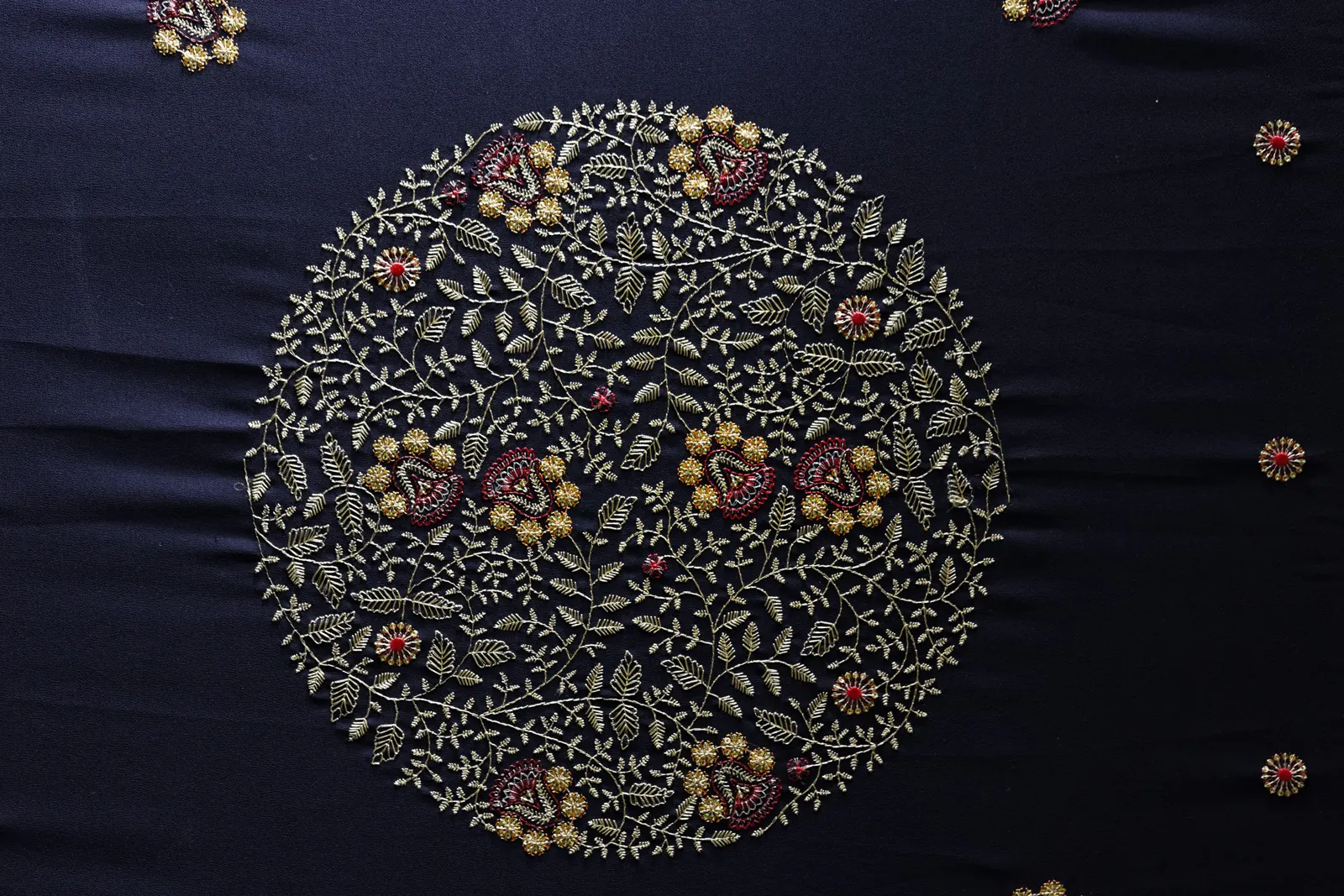
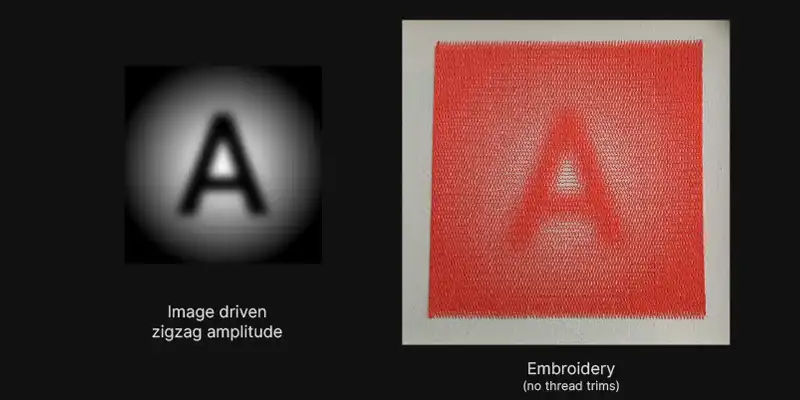
Automation pays off where designs are clearly defined and repeat often. Complex designs on demanding materials still depend on experience: how does the fabric behave, where should density be adjusted, which underlay supports the design? Software can suggest and compare – the decision stays with your digitizer.
Why the right file format saves set-up time.
BasePac writes the ZSK transport code .z00: stitch data, colour changes, needle assignments, parameters and application stops reach the machine exactly as defined. Nodety writes technical and production data into .z00 directly, so no intermediate conversion is needed – and results can still be refined in BasePac.
Software for automatic stitch files
Your designs. Automatically ready to stitch.
Tell us what your designs look like and where they come from – we recommend the right tool and show it with your own files.
Questions about auto digitizing
Short answers for embroidery businesses, shop operators and digitizers.
What is auto digitizing?
Auto digitizing is the automatic conversion of an image, a vector graphic or text into a production-ready embroidery file, without a digitizer placing every stitch by hand. The software reduces colours, detects outlines and background, assigns stitch types and parameters and outputs a stitch file with preview. ZSK offers it in the Web API (ACE), in BasePac (BasePac ACE), in ZSK TERMINAL (PhotoStitch) and in Nodety.
Which image formats can be converted automatically?
ACE in the ZSK Web API accepts pixel images as PNG, JPG or BMP and vectors as SVG or AI; ZSK recommends PNG for the best result, and OptimizePng can pre-check new files. Nodety converts SVG files directly into the ZSK .z00 format and also takes text, images and 3D content. PhotoStitch in ZSK TERMINAL turns photos into designs with up to 24 colours.
Does auto digitizing replace a professional digitizer?
No. It is fastest for lettering, clean logos, line art and recurring standard designs. Photorealistic images, complex motifs and highly detailed fills on demanding materials still need an experienced digitizer who knows how the fabric behaves, where to adjust density and which underlay to use. A common approach: digitize the complex logo once in BasePac or EPCwin and reuse it for every order.
Which BasePac version includes ACE?
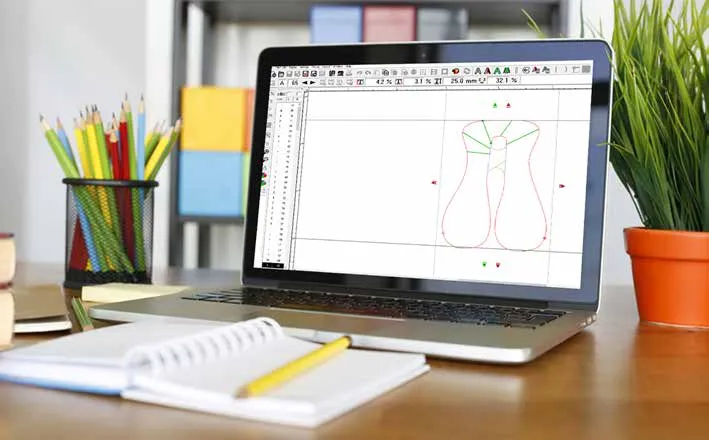
BasePac ACE is available from BasePac Premium. It creates finished embroidery designs from an image template in a few steps, can turn pictures into vector data that you export as DXF for other CAD programs, and offers an ACE button in drawing mode plus the Wizard and Pipette tools in digitizing mode. Parameters come from the material library for consistent results.
Can I automate digitizing for my online shop?
Yes. ACE is part of the ZSK API solutions: your shop uploads the customer's logo, ACE returns the stitch file and a PNG preview for approval, and the job goes on into production planning. The Web API runs in the ZSK cloud or on your own servers. Nodety's SVG-to-.z00 conversion is planned for integration into the ZSK Web API.
Why does the output format matter?
A DST file only holds stitches and colour changes. The ZSK transport code .z00 additionally stores needle and thread information, stitch parameters, machine commands and a coloured preview, so the machine processes the design exactly as defined. BasePac and Nodety write .z00 directly; ZSK TERMINAL converts DST and other formats to .z00 in one step.
Overview: ZSK auto-digitizing tools compared
| Tool | Runs in | Input | Output | Typical use |
|---|---|---|---|---|
| ACE (Web API) | ZSK cloud or your server | PNG, JPG, BMP, SVG, AI | DST, DSZ, TBF, TC + PNG | Shops, ordering portals |
| BasePac ACE | BasePac 10, from Premium | Images, vector drawings | Embroidery design, DXF vectors, .z00 | In-house digitizing |
| PhotoStitch | ZSK TERMINAL (Free) | Photos | Design with up to 24 colours | Clubs, promotional products |
| Nodety | Browser, no installation | Text, images, SVG, 3D | .z00, DST, SVG | Variants, series, personalisation |
Functions depend on version and licence. Subject to change.