

Team names, monograms and name drop: personalisation in series
Names, numbers and monograms are the most frequent personalisation jobs – and the most error-prone when typed by hand. ZSK turns name lists into machine files: on the T8, in ZSK TERMINAL, in BasePac and via the Web API.
How does ZSK handle names and monograms in series?
ZSK covers personalisation at every level: monograms and name drop directly on the T8 control, lettering with kerning in ZSK TERMINAL, Quicktext, team name function and monogram module in BasePac, the stencil solution for CSV name lists and the Web API for online shops. On multi-head machines, head selection embroiders the logo on all heads and then a different name on each head.
Which name workflow fits your business?
Where does the name come from – the operator, the office, a list or the customer in the shop? Each source has its ZSK tool.
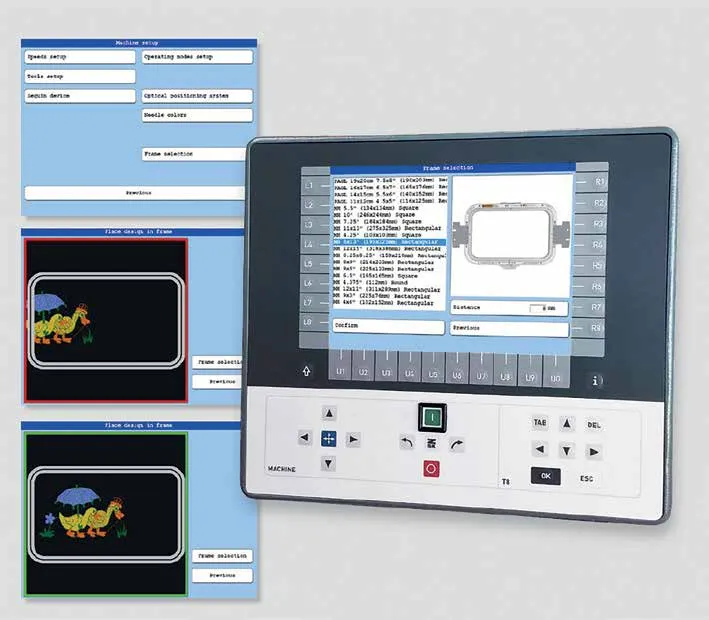
Basic monograms directly on the control; name drop separates the names of a multi-name design file.
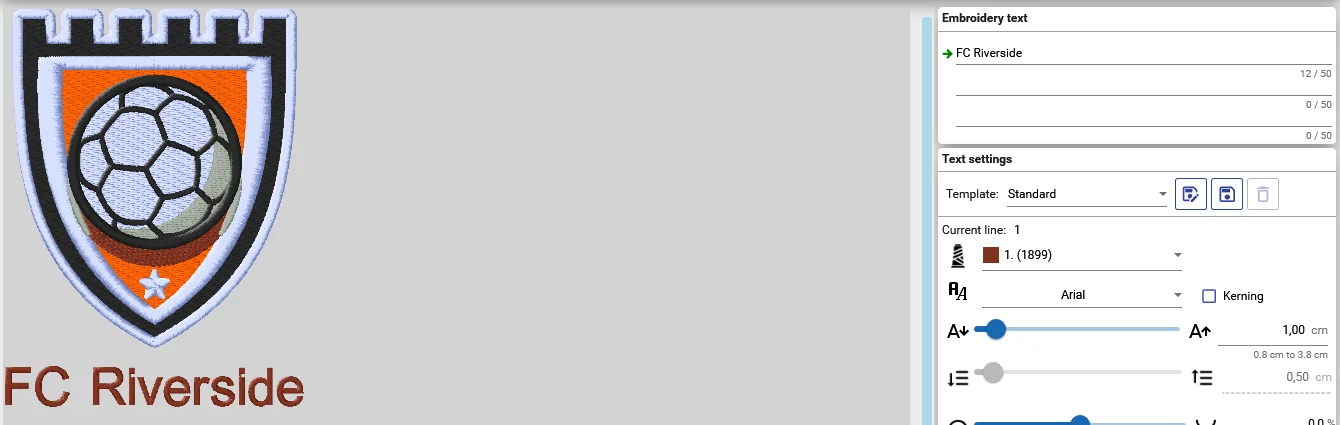
Club name under the crest from your installed fonts – with kerning and stitch order; price and run time while you type.
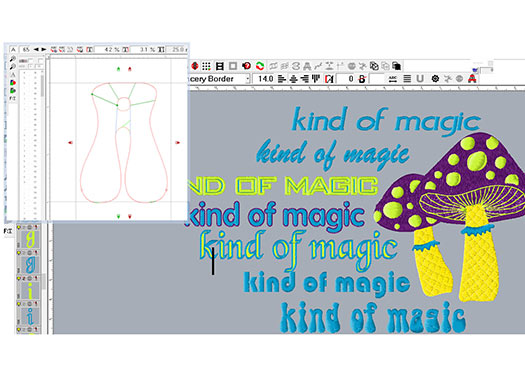
Lettering styles, combined initials and monogram sets created parametrically and reused; team name function and Quicktext.
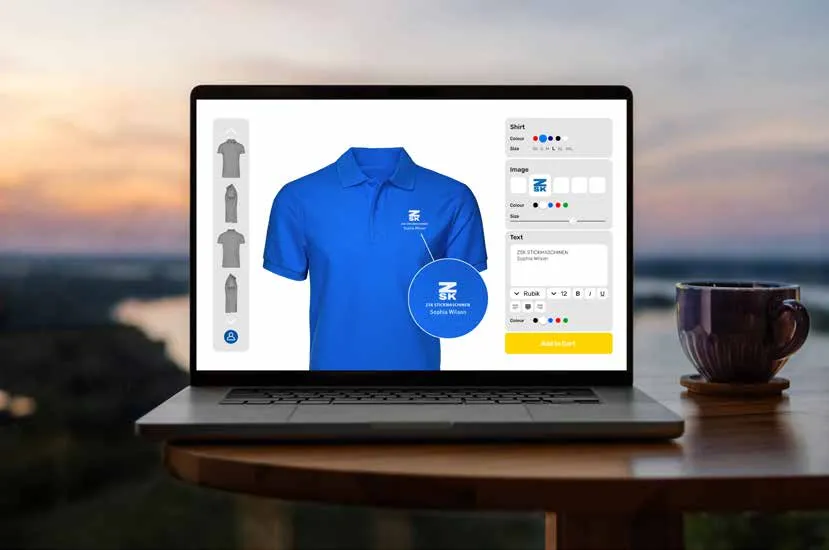
Customers type their name and see a TrueView preview; the stitch file is generated automatically. Shop workflow →
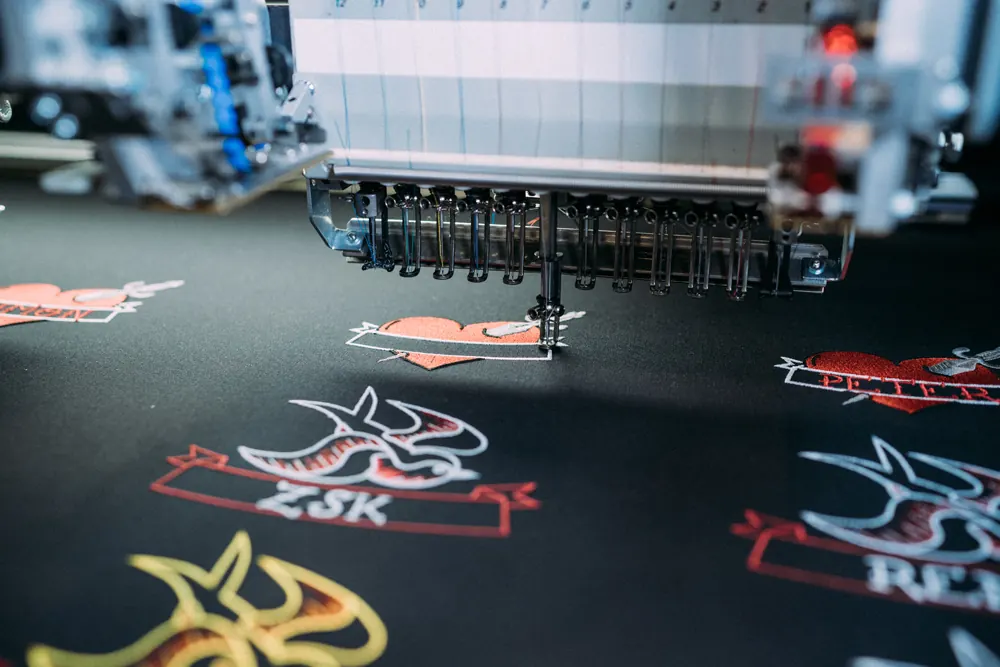
Logo on every head, then one name per head – without stopping.
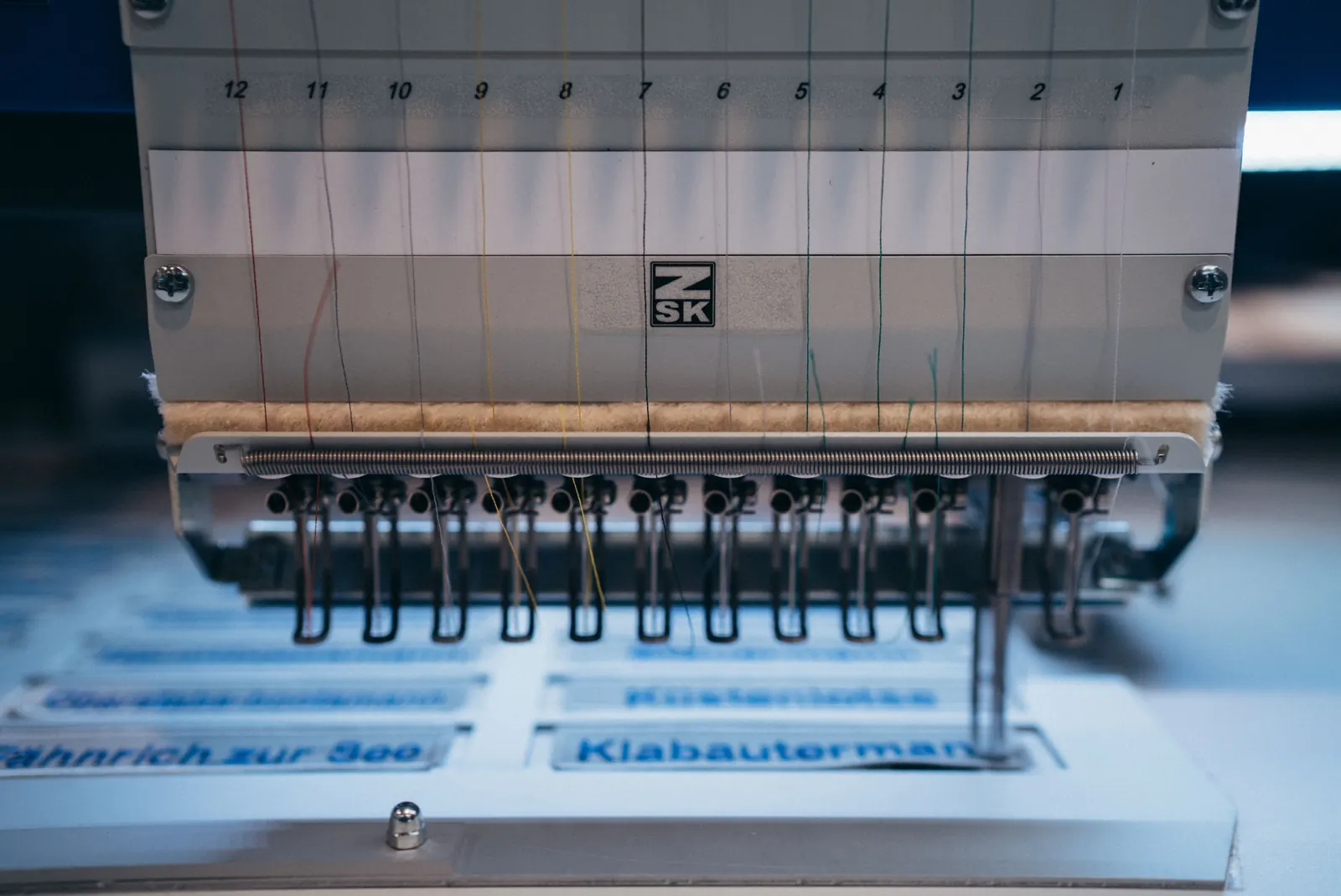
Conventionally, the operator stops the machine after the logo and switches off every head but one for each name – head by head. With ZSK head selection and BasePac Quicktext you load the list of names with the logo: the logo runs on all heads at the same time, then the heads work through their names individually. The switching is stored in the design and happens automatically.
- Heads switch on or off during embroidery – stored in the design
- No machine stop, no manual intervention by the operator
- Details: head selection and head selection on combination machines
How do name patches come out of a CSV list?
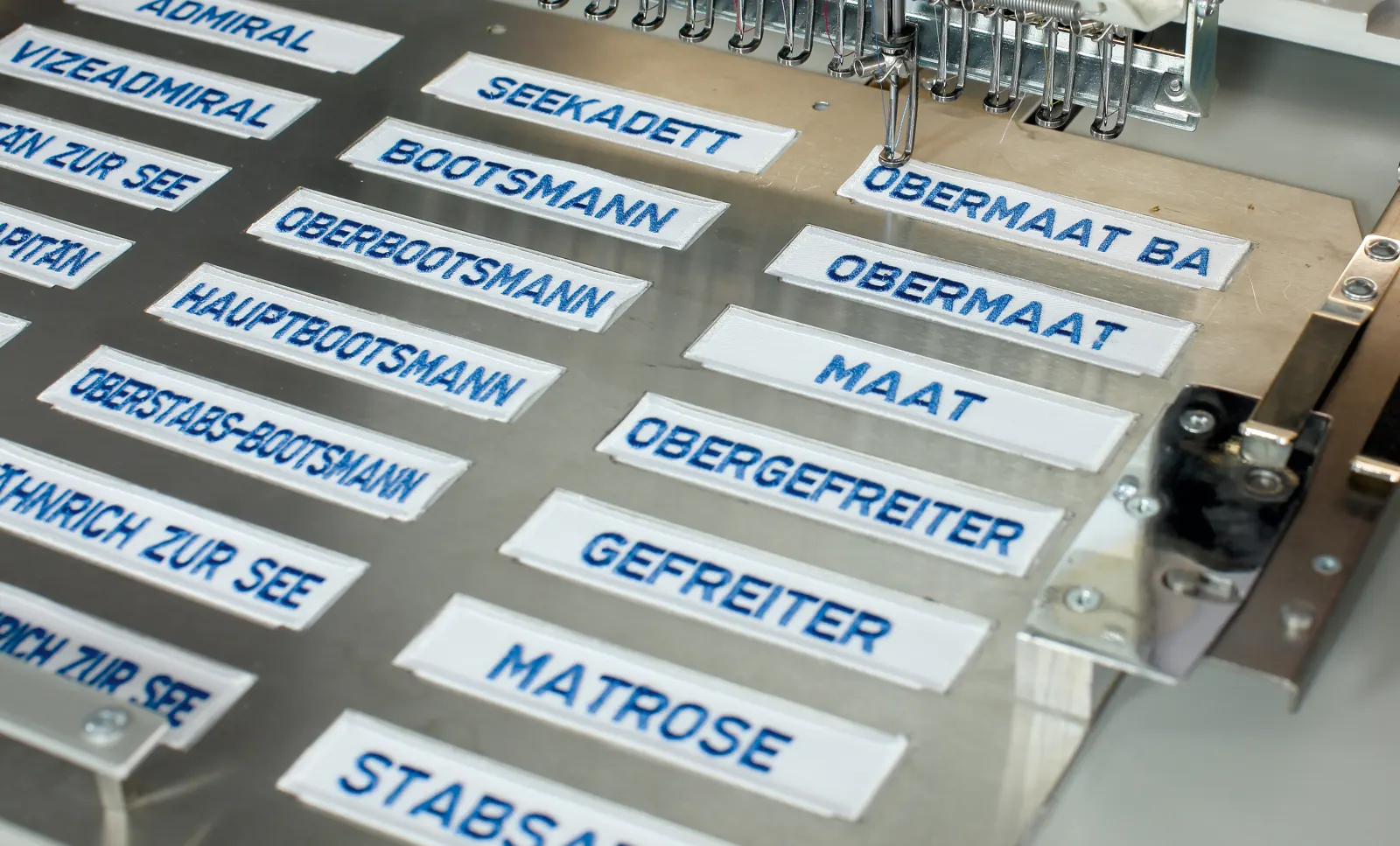
Uniform name patches for crews, clubs or companies: define the template once, feed the list, stitch. More in automated patch production.
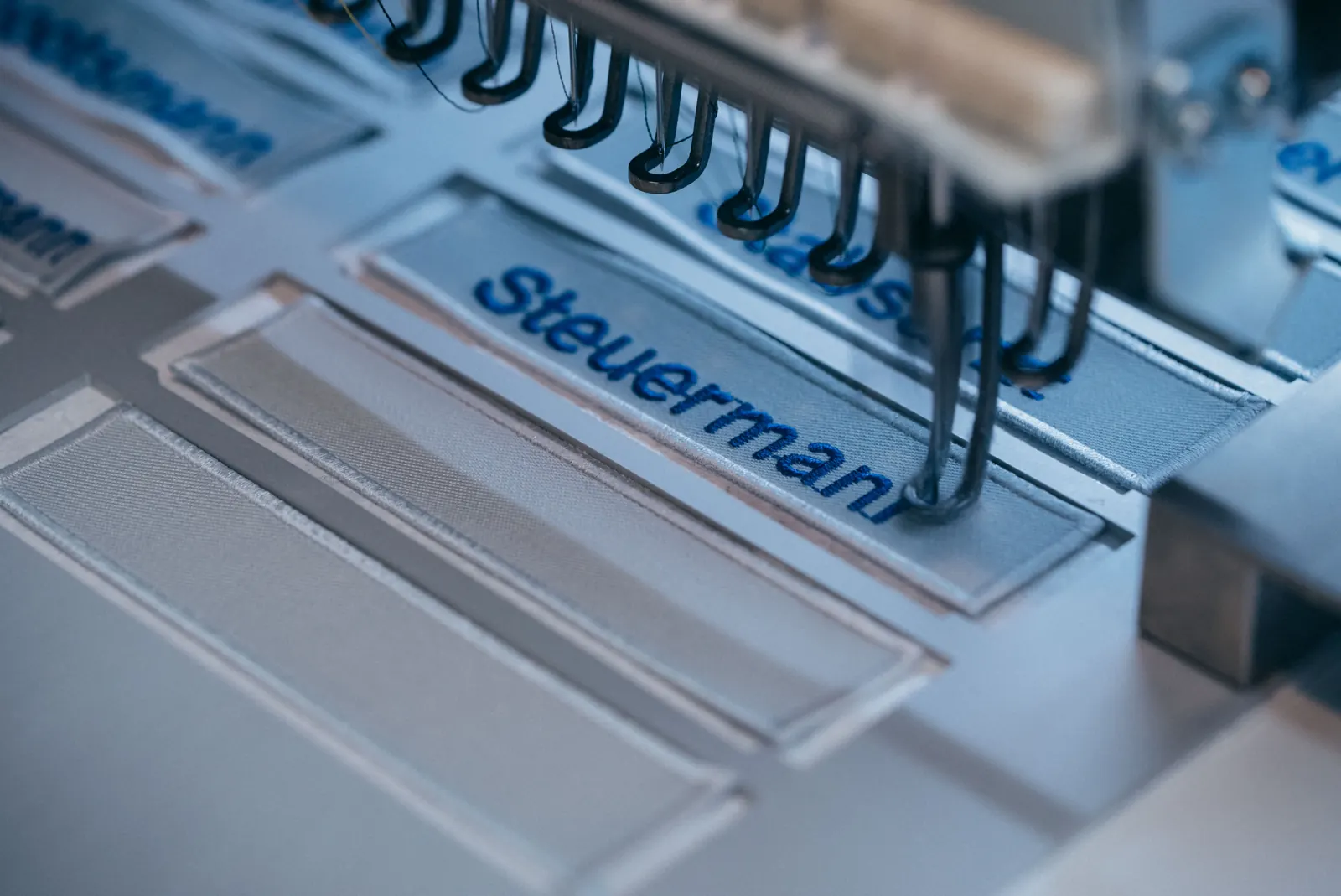
Dimensions and settings – font, size, style – are fixed in a template that can contain logos and text.
A .csv text file with names and quantities is loaded; the machine files are created automatically.
The files are pushed into the embroidery machine and the quantity is tracked.
Which fonts can you use for names and monograms?
Monogram functions exist in EPCwin, BasePac, ZSK TERMINAL and – in basic form – on the T8 control.
pre-installed and ready to stitch.
convert any TrueType font from your PC or Mac.
edit existing fonts or create new ones, freehand or based on an image.
With Coloreel and Nodety, name, colour and motif can vary from item to item without changing the process.
Related pages
Your name list. Our machine. Ready to ship.
Send us a typical name job – team, crew or staff list – and we show you the fastest ZSK workflow for it.
Questions about names, monograms and name drop
Short answers for teamwear, workwear and personalisation businesses.
How do I embroider team names efficiently on a multi-head machine?
With head selection and BasePac Quicktext. Load a list of names in Quicktext together with the logo. The logo is embroidered on all heads at the same time; then each head works through its own name. The switching of the heads is stored in the design and happens automatically – no machine stop, no operator switching heads by hand between names.
What is the name drop feature?
Name drop is a feature of the ZSK T8-3 control that separates the individual names in a design file containing several names. The machine can then embroider one name after another from a single file – useful for teamwear, staff clothing and series with changing names. It is listed in the ZSK catalogue among the T8-3 key features.
Where can I create monograms with ZSK?
In EPCwin, BasePac, ZSK TERMINAL and, in a basic version, directly on the T8 control – so it fits wherever the job arises. You can use any of the 100 pre-installed fonts, convert any TrueType font from your PC or Mac, edit existing fonts or create your own, freehand or from an image. The BasePac monogram module builds reusable monogram sets parametrically.
Can I produce name patches from a CSV list?
Yes, with the ZSK stencil solution. You create a template (stencil) once with dimensions and settings such as font, size and style; it can contain logos and text. Then you load a .csv text file with names and quantities, and the machine files are created automatically, pushed to the embroidery machine and the quantity is tracked.
Can customers order names directly in my web shop?
Yes. The ZSK Web API creates stitch files from names, text and monograms – up to nine monograms per design, with fonts, curved text, positioning and quality levels – and returns a photorealistic TrueView preview for the customer. The finished file then runs into production planning without manual punching.
Which ZSK machine suits teamwear?
The ZSK catalogue recommends a SPRINT with the team name function and fast colour change for name embroidery and back numbers on team outfits. For larger series on several garments at once, a multi-head RACER with head selection embroiders the shared logo on all heads and a different name on each head.
Overview: name and monogram functions by tool
| Tool | Name / monogram functions | Typical use |
|---|---|---|
| T8-3 control | Basic monogram function; name drop (separates names in a multi-name design file) | Quick changes at the machine |
| ZSK TERMINAL | Lettering from installed fonts, kerning (from Studio), own stitch order; EasyText adds names to any design and saves monogram templates | Club names, staff names |
| BasePac 10 | Monogram module (parametric, reusable sets), team name function, Quicktext name lists with head selection | Teamwear series, multi-head production |
| EPCwin | Monogram function | Lettering in EPCwin designs |
| Stencil solution | Template with font, size, style, logos; CSV with names and quantities; automatic machine files; push; quantity tracking | Name patches |
| ZSK Web API | Up to 9 monograms per design, fonts, curved text, positioning, quality levels; DST, DSZ, TBF, TC plus PNG preview | Online shops, ordering portals |
Functions depend on software version, licence and machine. Subject to change.