

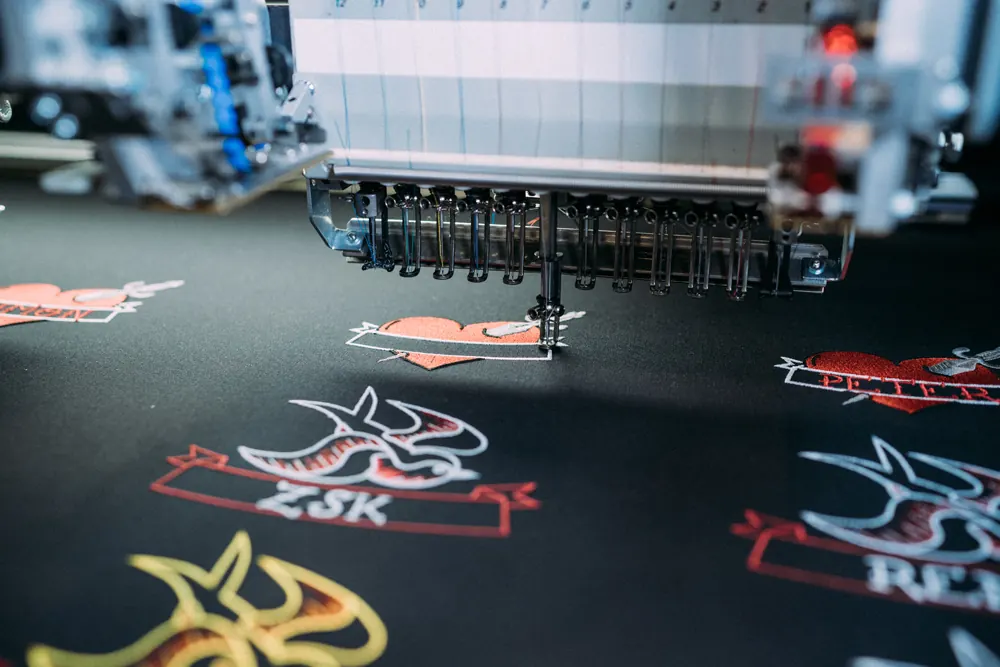
Embroidery workflow: from order to finished piece – digitally connected
Retyped orders, USB sticks, wrong colours and waiting machines cost more than embroidery time. ZSK connects every step – shop, digitizing, preparation, machine and data – with its own software, built by the manufacturer of your machine.
What does a connected embroidery workflow mean?
A connected embroidery workflow carries every order from the click or the ERP to the finished, reported piece without re-entry: the design is created or generated automatically, ZSK TERMINAL prepares file and thread colours, the job reaches the machine by network push or barcode scan, and MY.ZSK records what happened. Every break in this chain costs margin – especially in lot size 1.
What are the five steps of the ZSK embroidery workflow?
Five steps, one data thread – the .z00 transport code carries needle, thread and machine information from step to step.
- 01 DESIGN
Professional stitch files with EPCwin, BasePac or Web API Autopunch
- 02 PREPARATION
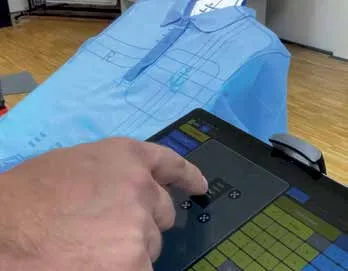
Layout, thread cone matching and job management in ZSK TERMINAL
- 03 TRANSFER
Design transfer via network push or barcode scan
- 04 PRODUCTION
- 05 ANALYSIS
Real-time tracking, reporting and productivity insights via MY.ZSK
Which workflow do you want to improve first?
Six use cases, explained in plain language – each one links to the software pages with all the details.
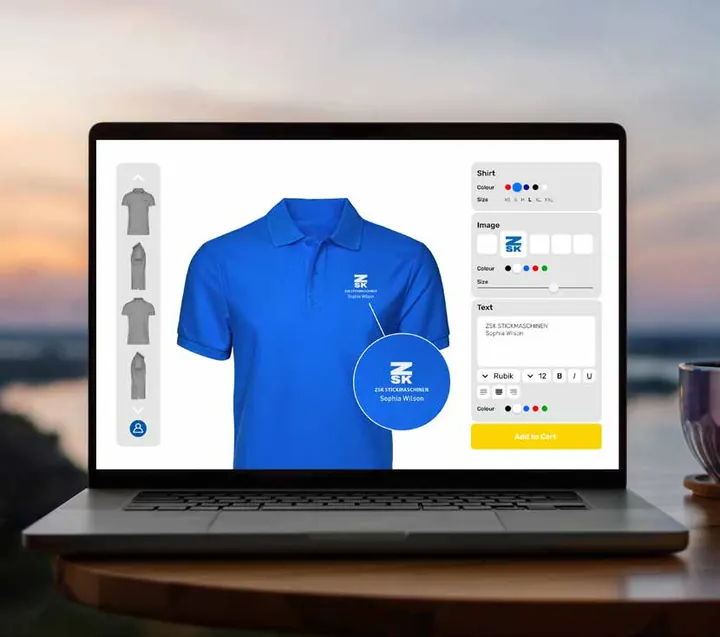
Customers personalise, the stitch file follows automatically – no retyping. Go to the workflow →
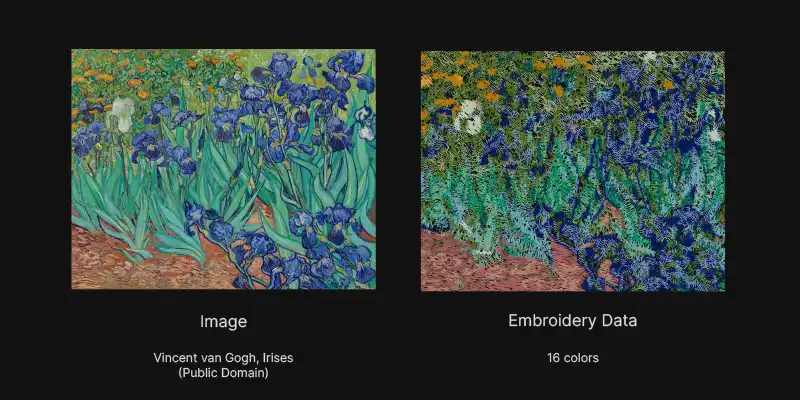
Image, vector or text to stitch file in seconds – and where a digitizer is still needed. Go to the workflow →
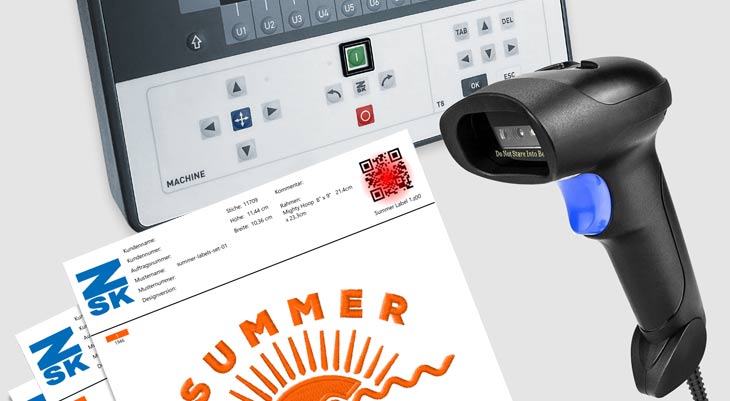
Scan the order sheet – the machine loads design, stops, head selection and frame. Go to the workflow →
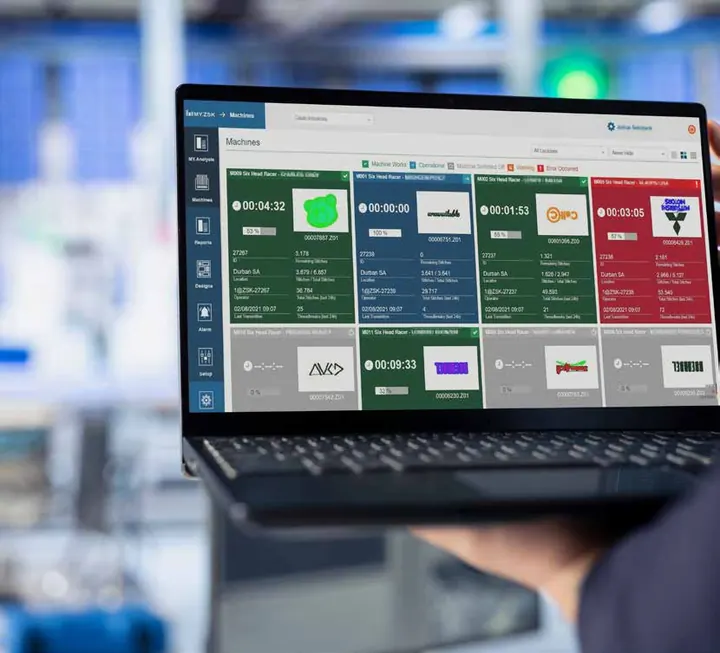
Jobs on the right machine, live status and thread-break analysis per needle. Go to the workflow →
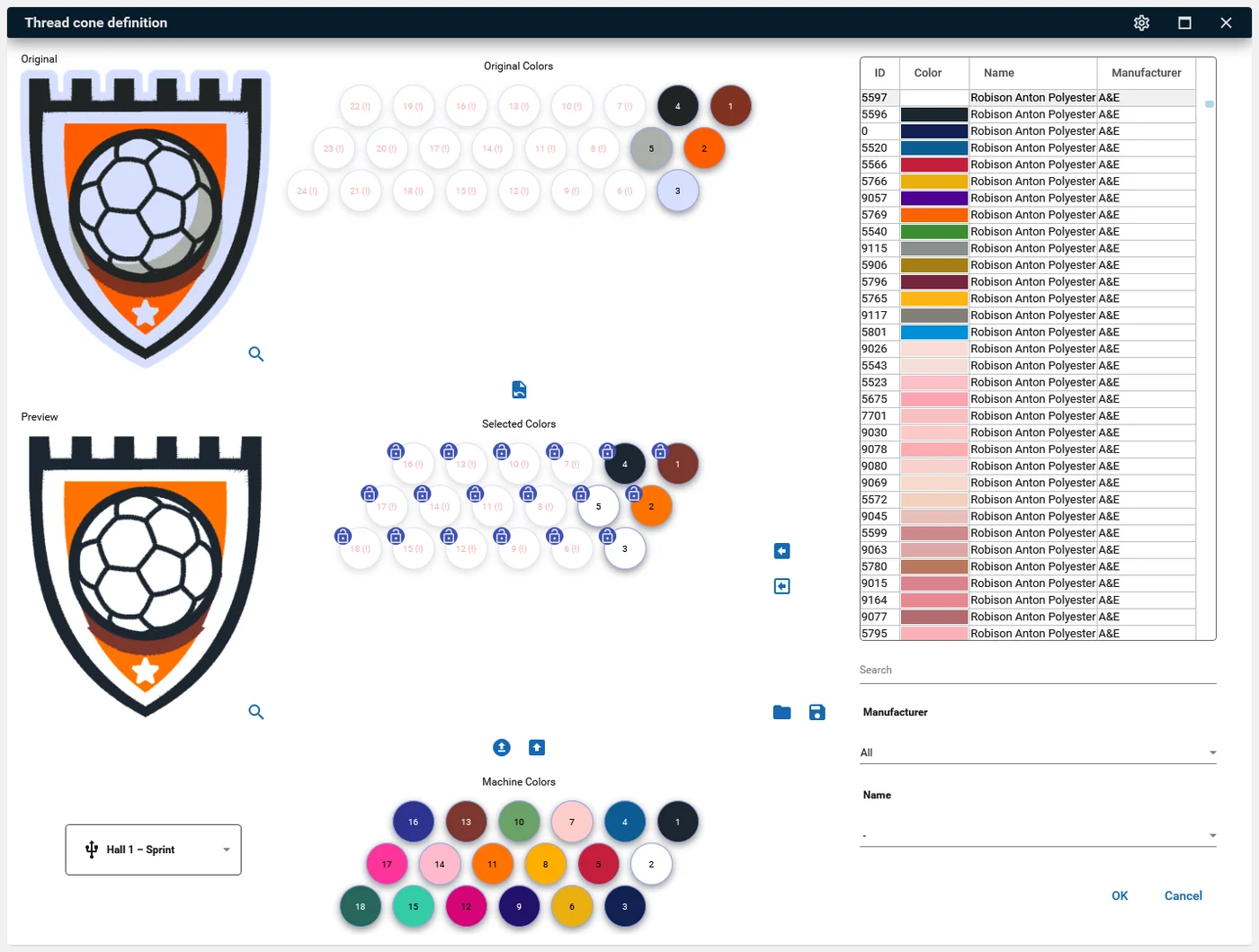
42 formats in, DST/PES/DSZ/.z00 out, the right colour on every needle. Go to the workflow →
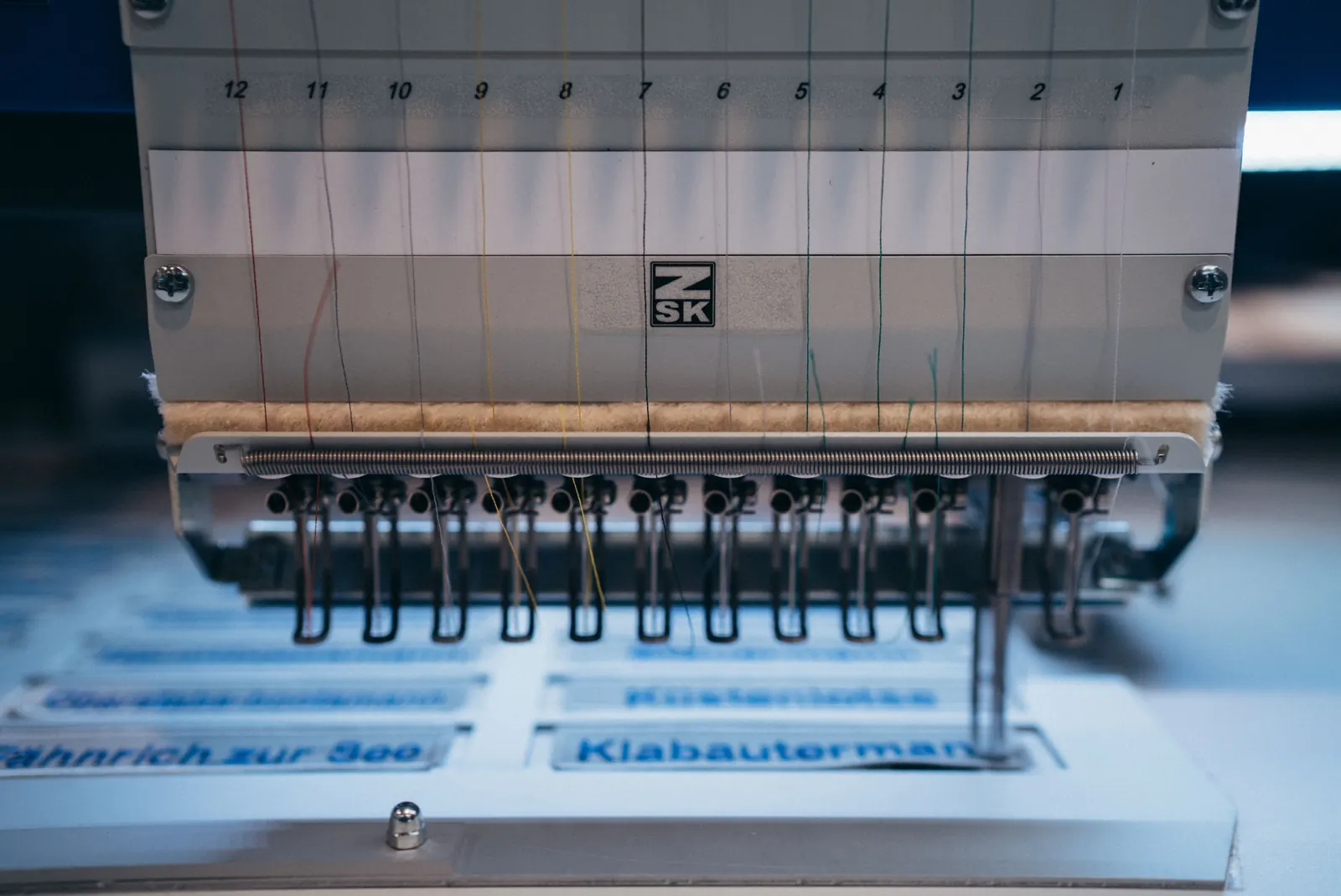
Logo on all heads, then one name per head – or name patches from a CSV list. Go to the workflow →
Which ZSK set-up fits your business?
The ZSK catalogue matches typical applications to machine and software combinations.
| Business | Application | ZSK solution |
|---|---|---|
| Promotional products | Corporate embroidery on textiles for events or staff outfitting | SPRINT + TERMINAL + Web API |
| E-commerce / fashion | Personalised embroidery in online shops with real-time preview and automated production | RACER + Web API + Autopunch + MY.ZSK |
| Corporate fashion | Company logos on workwear in various sizes and positions | RACER II + barcode workflow + head selection |
| Sportswear / teamwear | Names and back numbers for team outfits | SPRINT + team name function + fast colour change |
| Luxury goods / accessories | Monograms and individual designs on leather goods | RACER XL + OPS II + custom frames |
Source: ZSK general catalogue 06/2026. Every configuration is adapted to your process.
Start small – grow without switching systems.
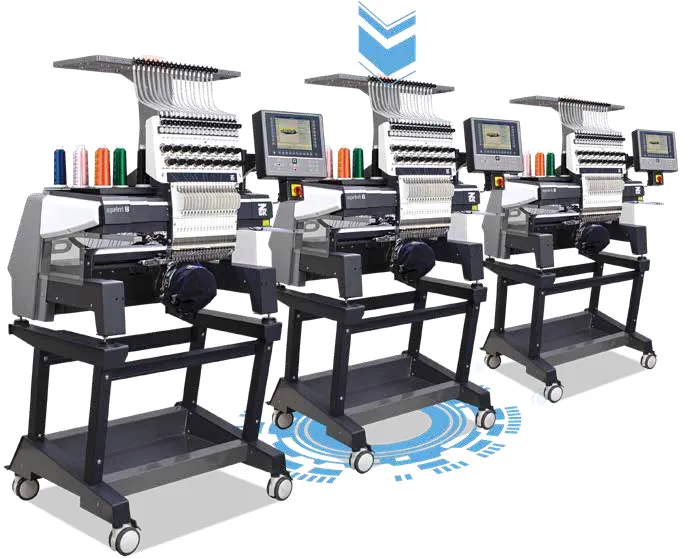
All ZSK machines share the same network, software and data – from the first SPRINT to the multi-head RACER. Anyone buying a ZSK embroidery machine receives ZSK TERMINAL as a permanent addition, and current SPRINT and RACER machines are network-ready without extra licences. Add the PoolBox, production planning, the Web API and MY.ZSK when your volume needs them.
- 01 Start: SPRINT NX or SPRINT 9 with TERMINAL Free
- 02 Grow: more SPRINTs in the network, PoolBox as central design store
- 03 Scale: RACER Compact TWIN or multi-head RACER
- 04 Automate: production planner, Web API, MY.ZSK, Roll2Roll
Ten quick wins for your shop floor.
First understand where time is lost – then pick the tool. These are the quick wins ZSK names from daily practice:
- EPS HoopStation: standardised hooping, fewer positioning errors
- Thread trolley and deeper RACER shelves: materials right at the machine
- Production planning software instead of spreadsheets
- Barcode scanner: load designs by network scan instead of USB
- .z00 with thread colours and the TERMINAL Analyzer for stitch density
- T8-3 frame recognition, status lights and pre-cut backing
Related solutions across ZSK
Your process. Our engineers. Fewer breaks in the chain.
We start from your end product and your daily routine, find where time is lost and recommend only what closes that gap – machines, software or both.
Questions about embroidery workflows
Short answers for owners, production managers and IT. Missing your question? Our software team answers personally.
What is an embroidery workflow?
An embroidery workflow is the chain of steps from the incoming order to the finished, reported piece: creating the design, preparing the file and thread colours, transferring the job to the machine, embroidering and monitoring production. ZSK describes it in five steps – design, preparation, transfer, production, monitoring and analysis – and supplies its own software for each step.
Which ZSK software do I need for a connected workflow?
It depends on where you lose time. Designs are created in EPCwin, BasePac, Nodety or automatically via the Web API. ZSK TERMINAL prepares files, matches thread cones, calculates and plans. The PoolBox stores designs centrally for up to 50 machines and collects data. MY.ZSK analyses production. Many businesses start with the free TERMINAL edition and add modules step by step.
Are ZSK embroidery machines network-ready?
Yes. Current SPRINT and RACER machines are network-ready without additional licences, wired or wireless. The T8-3 control supports two-way networking (push and pull) and barcode and QR codes. Designs can be pushed automatically from a queue or pulled by the operator with a barcode scan. For older machines without a network port, the AirBroidery Wi-Fi stick is an easy start.
Can I connect my online shop or ERP to the embroidery machines?
Yes, through the ZSK API solutions. The Web API turns text and monograms from your shop into stitch files with preview, ACE converts images automatically, the Production Board import takes orders from ERP or Excel into planning, and the read-only MY.ZSK API returns production and machine data to your systems. All are REST interfaces with JSON.
Do ZSK workflow tools work with other machine brands?
Partly. ZSK workflow solutions integrate with ERP and CRM systems and are manufacturer-independent; ZSK TERMINAL reads the common formats of other manufacturers and exports DST and PES. The full performance – scan to embroidery, frame detection, thread cone matching, barcode recognition and real-time status feedback – unfolds with ZSK machines and the .z00 format.
Where should I start improving my embroidery workflow?
First find out where time is really lost – waiting for the next design, walking with USB sticks, re-threading, wrong colours or manual order entry. ZSK names quick wins such as the EPS HoopStation, a thread trolley, production planning software, a barcode scanner, the .z00 format with thread colours and the TERMINAL Analyzer. Our experts look at your process with you before recommending anything.
Is ZSK TERMINAL free?
The Free edition is free of charge for good after registration in the ZSK License Hub, and anyone buying a ZSK embroidery machine receives TERMINAL as a permanent addition. It opens, views and sends designs, offers design stock, lettering and PhotoStitch and delivers new T8 software. Studio, Factory and Technology add conversion, costing, planning and maintenance as monthly subscriptions.
Overview: which ZSK software does what in the workflow
| Software / hardware | Workflow step | What it does |
|---|---|---|
| EPCwin · BasePac 10 | Design | Digitizing; BasePac in Base, Premium (incl. ACE) and Professional; output .z00 |
| Nodety | Design | Parametric, browser-based design; text, image, SVG, 3D to .z00, DST, SVG |
| ZSK Web API · ACE | Design / order | Stitch files and preview from text, monograms and images for shops; REST/JSON; cloud or on-premise |
| ZSK TERMINAL 2.0 | Preparation / planning | 42 formats, conversion, hoop check, 3D view, thread cone matching, costing, order sheets, production planning, maintenance, T8 software |
| PoolBox | Transfer / data | Central design store for up to 50 machines; DataCollector for MY.ZSK; server for EPS |
| T8-3 control | Transfer / production | 2-way networking (push/pull), barcode and QR code, name drop, frame selection, 1 billion stitch memory |
| AirBroidery | Transfer | Wi-Fi stick: send designs from any browser to the control |
| MY.ZSK 4.0 · MY.ZSK API | Monitoring / analysis | Live status, OEE, thread breaks by head and needle, alerts; cloud or on-premise; OPC UA; read-only API |
Scope depends on version, edition and licence. Subject to change.