


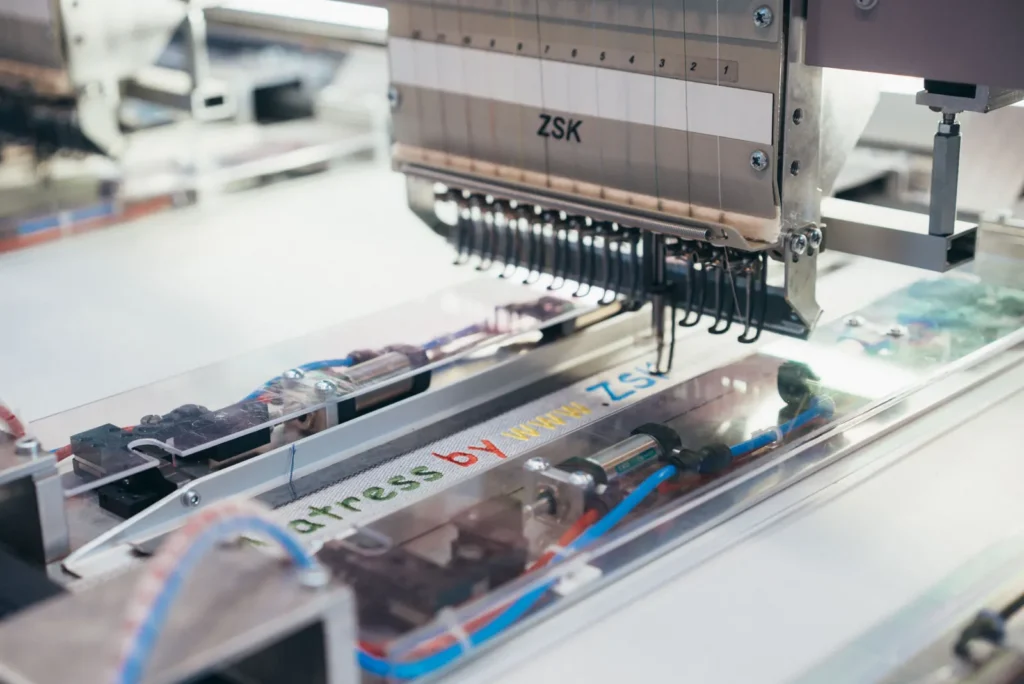
Embroidery automation: production that keeps running
ZSK automation feeds material from the roll, sews hook-and-loop onto patches, changes bobbins on all heads at once and sets up jobs with one barcode scan – so your machines keep stitching while your team supervises. Engineered and built in Krefeld, Germany.
What is embroidery automation?
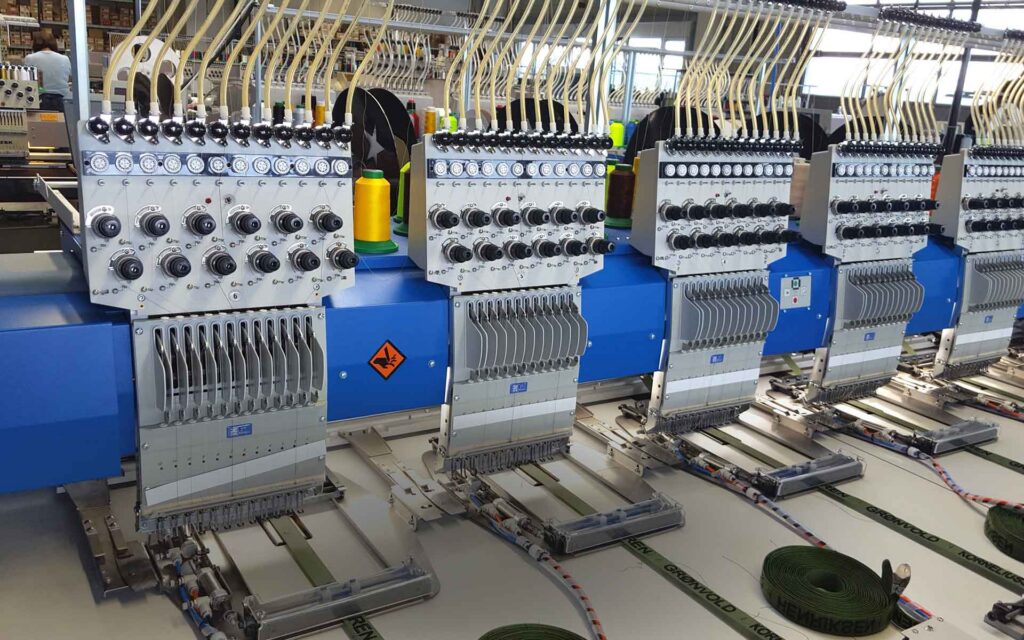
Embroidery automation means the machine takes over the manual steps around the stitching: feeding and pulling material through, changing bobbins, switching heads on and off, loading the next job and – for patches – attaching the hook-and-loop backing. ZSK offers these steps as devices and machine functions for SPRINT, RACER and flatbed machines, from the retrofittable Roll2Basket to inline lines with quality check and laser cutting.
Which ZSK automation solution fits your product?
Start with your product: patches, tapes and labels, large all-over embroidery or many small personalised jobs. Each solution has its own page with process, machines and data.
Embroider the emblem and sew on the hook-and-loop backing in one process – on the single-head patch solution or with the magnetic patch frame. Patch production →
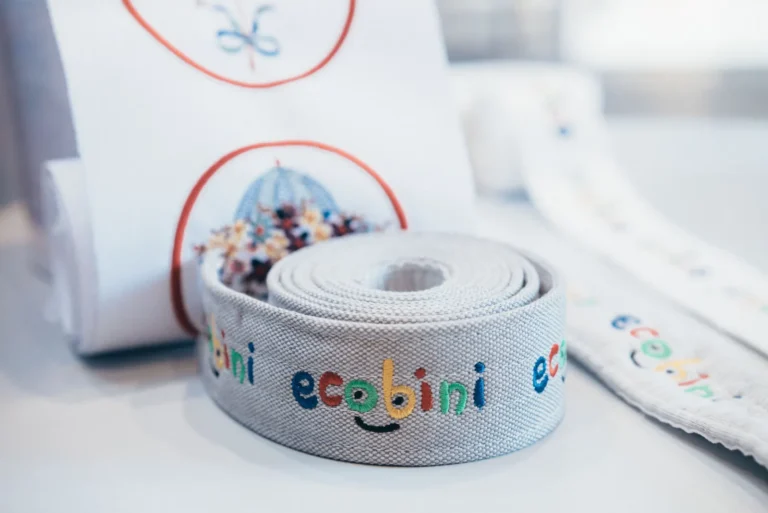
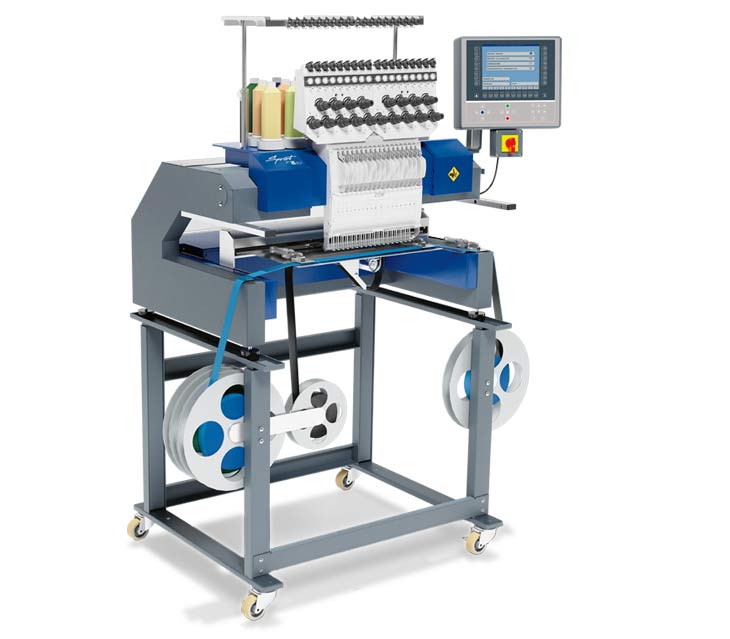
Material comes from the roll, is pulled through automatically and leaves the machine rolled up, collected in a basket or cut and stacked. Embroidery from the roll →
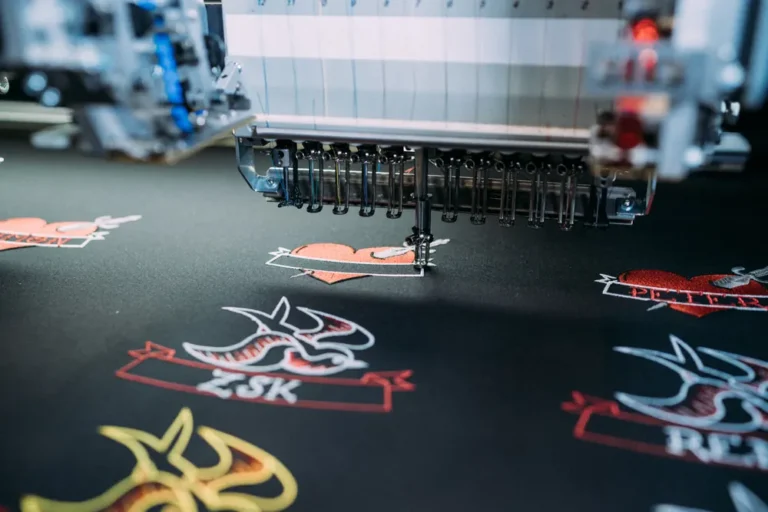
Heads switch on and off from the design file, bobbins change in 20 seconds and one scan sets up the job. Automatic machine functions →
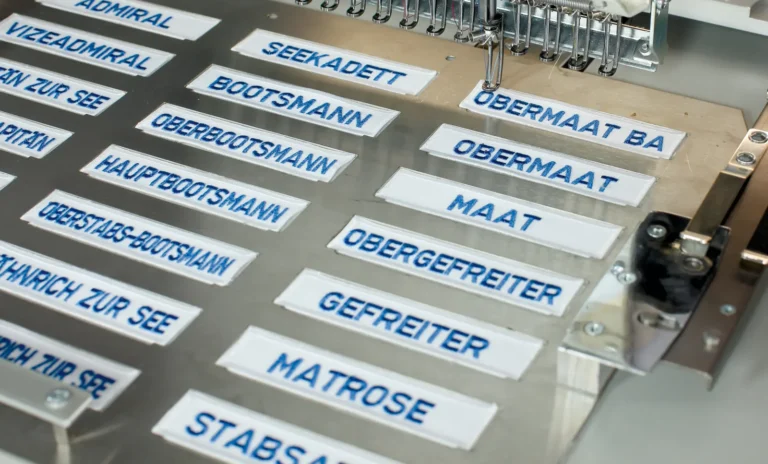
A stencil fixes font, size and layout; a CSV list with names and quantities creates the machine files automatically. Name patches →
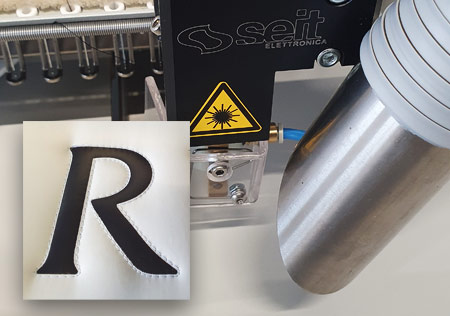
Inline with Willy Italiana Checklabel and Laserlabel – or with a laser cutter directly at the machine, available for SPRINT 8 and newer models. Inline solutions →
Roll2Roll · Roll2Basket · Head selection · Bobbin changer – data, compatibility and options of each device.
Why automate embroidery now?
Orders are getting smaller and more individual, and skilled operators are hard to find. Automation decouples the output of your machines from the number of people standing at them: the operator supervises and refills instead of feeding every piece by hand.
- Capacity without extra staff: material feeds itself, jobs load themselves
- Consistent results: machine-precise placement on every piece and every head
- Fewer handling steps: patches leave the machine with the hook-and-loop already sewn on
- Batch size one becomes practical: barcodes and name lists replace manual setup
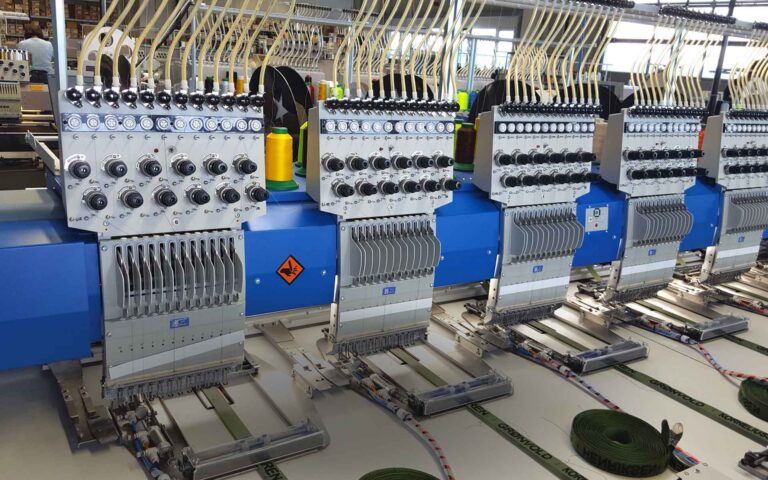
From order to finished piece – where automation helps.
Automation works best as a chain. The machine-side solutions on this page connect to ZSK software for order intake, planning and monitoring.
- 01 ORDER
Shop, ERP or web API sends the job – design, quantity, placement
- 02 SETUP
One barcode or QR scan loads design, start point and rotation
- 03 MATERIAL
Tape from the roll via Roll2Roll or Roll2Basket, or the magnetic patch frame
- 04 EMBROIDERY
Head selection, bobbin changer and power failure backup keep it running
- 05 FINISHING
Hook-and-loop sewn on, quality check and laser cutting inline
- 06 DATA
MY.ZSK shows utilisation, stitch counts and downtime
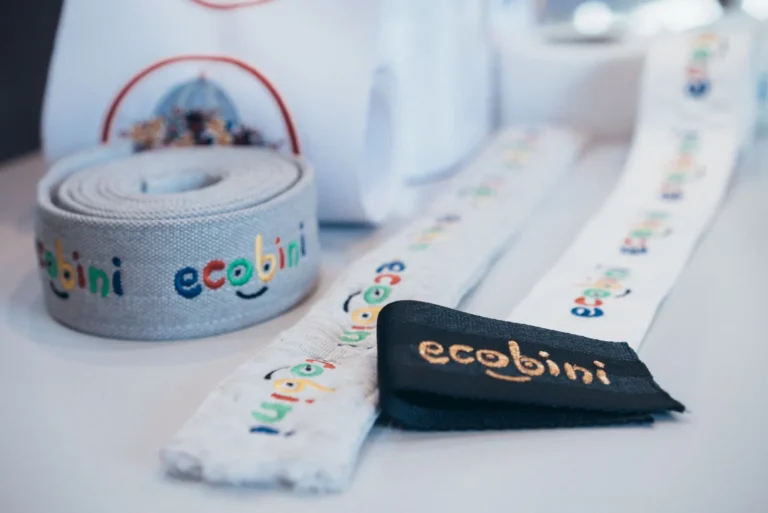
Not sure where to start? We look at your process with you.
Tell us your product, quantities and today's manual steps. Our application engineers suggest the combination of machine, device and software that fits – and check it with your material. More automation solutions are in development: if your process needs something not shown here, talk to us.
Software and know-how for automated production
Your product. Our automation. Fewer manual steps.
Send us your product and your current process – we show you which ZSK solution takes over which step, and what it means for your machine park.
Questions about embroidery automation
Short answers for production managers and owners of embroidery businesses. Missing your question? Our automation engineers answer personally.
What can be automated on an embroidery machine?
On ZSK machines you can automate material handling (Roll2Roll, Roll2Basket and Roll2Cut pull material from the roll), bobbin changes (automatic bobbin changer with an eight-bobbin magazine), head selection stored in the design, job setup by barcode or QR code, and patch finishing (hook-and-loop sewn on, inline quality check and laser cutting). The operator then supervises several processes instead of handling every piece.
Can I retrofit automation to my existing ZSK machine?
It depends on the solution. Roll2Basket can be retrofitted to SPRINT and RACER machines with tubular and border frame options. Roll2Roll on the RACER and the single-head patch solution cannot be retrofitted and are specified when you order the machine. Barcode functions come with the T8 control software. Send us your machine model and we check what is possible.
Which ZSK machines support automation?
SPRINT single-heads take Roll2Basket, the magnetic patch frame and, as a dedicated version, the automated patch solution. RACER machines with 495 mm head spacing take Roll2Roll; the RACER series has automatic head selection. Flatbed machines such as the CHALLENGER and the X-, Y- and Z-series take Roll2Roll, Roll2Cut, the automatic bobbin changer and head selection.
Does automation only pay off for large batches?
No. ZSK automation is designed for variation, not only repetition. Barcode workflows and name lists remove setup for single pieces, the design queue pushes the next job into the machine automatically, and Roll2Roll lets you embroider one-off emblems in sequence on one tape. The aim is that batch size one runs with the same logic as batch size one hundred.
How do automated machines connect to my order system?
ZSK machines load designs from the network either by push – a design queue sends the next job automatically – or by pull, when the operator scans a barcode. One PoolBox manages design folders for up to 50 machines. Orders can come from shops or ERP systems through the ZSK web API, and MY.ZSK reports utilisation, stitch counts, downtime and thread breaks.
Do automation devices need compressed air?
Yes, the pneumatic devices do. Roll2Basket, Roll2Roll and the automatic bobbin changer work with compressed air and must be connected to a compressor, which is not part of the delivery. Plan the air supply when you prepare the installation – our service team tells you what your configuration needs.
How do I find the right automation solution?
Start from your product and your bottleneck: tapes and labels point to Roll2Basket or Roll2Roll, hook-and-loop patches to the patch solution or magnetic patch frame, long all-over runs to the bobbin changer and head selection. Contact our application engineers with samples and quantities – they recommend a configuration and show it on a machine.