
SVG to embroidery file – automated and production-ready
Convert vector graphics directly into finished embroidery data
With Nodety, an SVG file becomes a finished embroidery file in the native .z00 format within seconds. No manual digitising required. Ready for production immediately.
Vector paths are automatically translated into precise stitch commands – including stitch types, directions and parameters. The result is designed for use in industrial embroidery production.
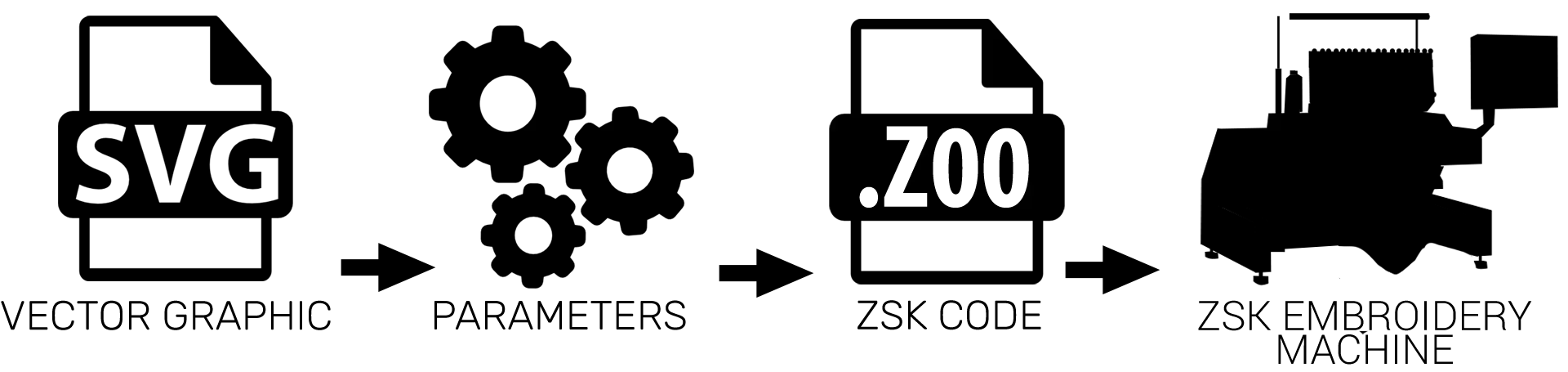
Automated workflow
From SVG to finished embroidery file in three steps
Import SVG
Upload your vector graphic or import it directly from your existing workflow.
Define parameters
Set line thickness, stitch density and stitch direction, or use default settings.
Generate embroidery file
Automatic conversion into a finished .z00 file – ready for production.
Automation instead of manual rework
Traditional workflows require manual digitising and often multiple testing and optimisation steps before production-ready embroidery data is achieved.
Nodety significantly simplifies this process and generates production-ready embroidery data directly from clearly defined vector graphics.
The result is a stable, repeatable process – particularly suited for series production, variants and personalised applications.
Traditional workflow
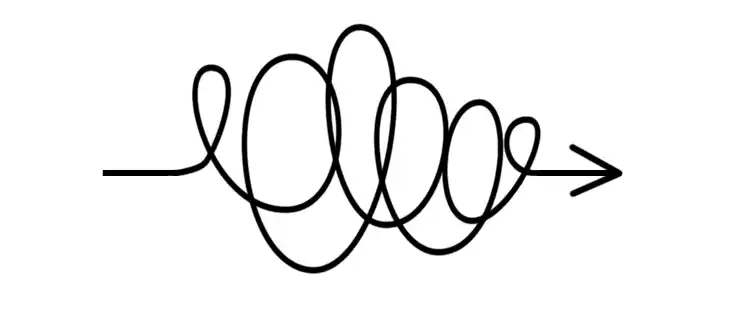
- Import SVG
- Manual digitising
- Generate .z00
- Test and optimise
- Release for production
With Nodety
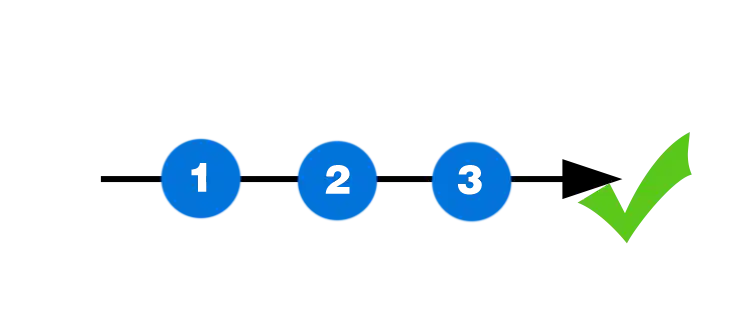
- Import SVG
- Define parameters
- Generate .z00
- Receive ready-to-use data
- Start production
Typical use cases
- Logos for workwear and promotional garments
- Lettering and personalisation
- Line art and graphic designs
- On-demand production with frequently changing designs
Whenever designs need to be converted into embroidery data quickly, reproducibly and with minimal manual effort.
Focused on what matters
The automatic conversion is specifically designed for clearly defined vector graphics:
- Logos with clean outlines
- Line-based designs (line art)
- Text and typography
Complex image motifs or photorealistic templates remain typical use cases for manual digitising. Nodety focuses on areas where automation delivers the greatest efficiency gains.
Best suited
- clean outlines
- line-based motifs
- lettering
- repetitive standard designs
Less suitable

- photorealistic images
- complex image motifs
- highly detailed filled areas
- traditional digitising use cases
Part of an integrated digital process
The SVG-to-z00 conversion is one component within Nodety. Combined with additional functions, it creates a continuous workflow from design to embroidery machine – ideal for scalable and automated production environments.
Outlook: automation via the Web API
With integration into the ZSK Web API, the generation of embroidery data becomes fully embedded in digital processes. SVG files can be processed automatically and converted directly into embroidery data – without manual intervention.
Demo
Experience the workflow live
See how an SVG file is transformed into a finished embroidery file within seconds.
 Afrikaans
  Albanian
  Armenian
  Bosnian
  Bulgarian
 .svg) Chinese (Traditional)
Chinese (Traditional) .svg) Chinese (Simplified)
Chinese (Simplified)  Croatian
  Czech
Czech  Danish
  Dutch
Dutch  Estonian
  Filipino
  Finnish
  French
  Georgian
  Greek
Greek  Hindi
Hindi  Hungarian
  Indonesian
  Icelandic
  Italian
  Japanese
  Korean
  Latvian
  Lithuanian
  Malay
Malay  Maltese
  Macedonian
  Norwegian
  Polish
  Portuguese
  Romanian
  Russian
  Swedish
  Serbian
  Slovak
  Slovenian
  Spanish
  Tamil
Tamil  Thai
Thai  Turkish
  Ukrainian
  Vietnamese